
aiMindMap · Your ideas in intelligent mind maps
 AI
For those who need to study a syllabus, plan a project, or structure a script and get lost in linear notes: type the topic or upload your document and aiMindMap returns the map already branched, ready to edit, present, and export.
In the features that use AI, responses are generated by artificial intelligence and are not a substitute for professional advice.
Why do you die two turns after the move that looked like the best one?
Because the move that clears the most lines now can leave you with a board where the 3×3 square or the five-line no longer fits. Intuition sees the lines that complete now; it doesn’t see the board that’s left. This tool doesn’t guess: it goes through every legal way to place your three pieces and chooses the one that leaves the board most alive, measuring how many of the 33 pieces in the catalog still fit, the one-cell gaps you create, the largest free square you keep, and the rows and columns you leave at 7 out of 8. In a benchmark of 500 simulated games from November 2, 2026, that calculation lasted a median of 40 turns, compared with 20 for the player who only looks at the turn’s lines and 3 for the one who places at random.
Start free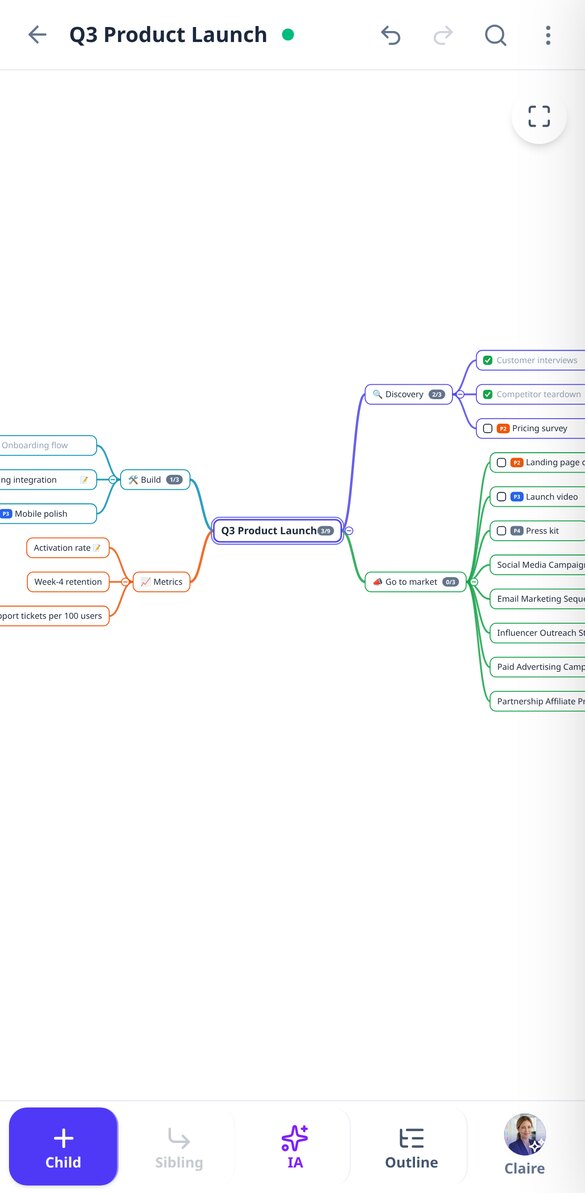



Discover every feature in detail
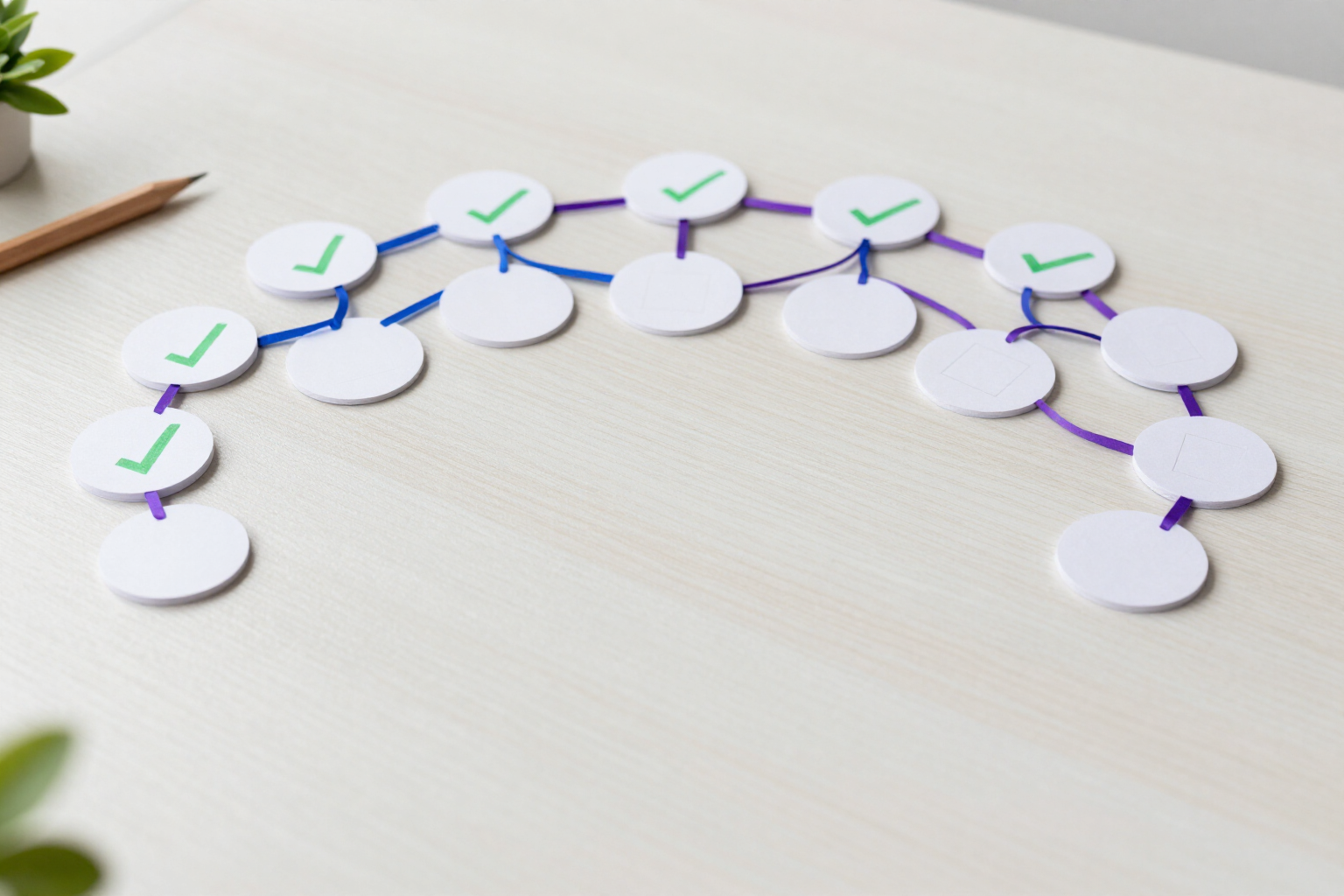
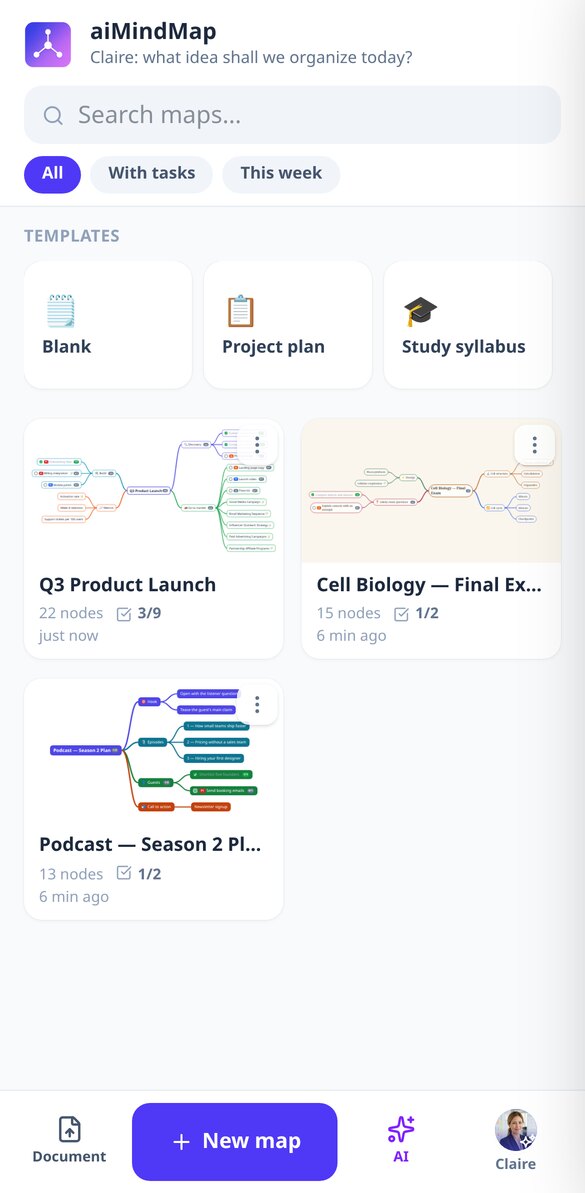
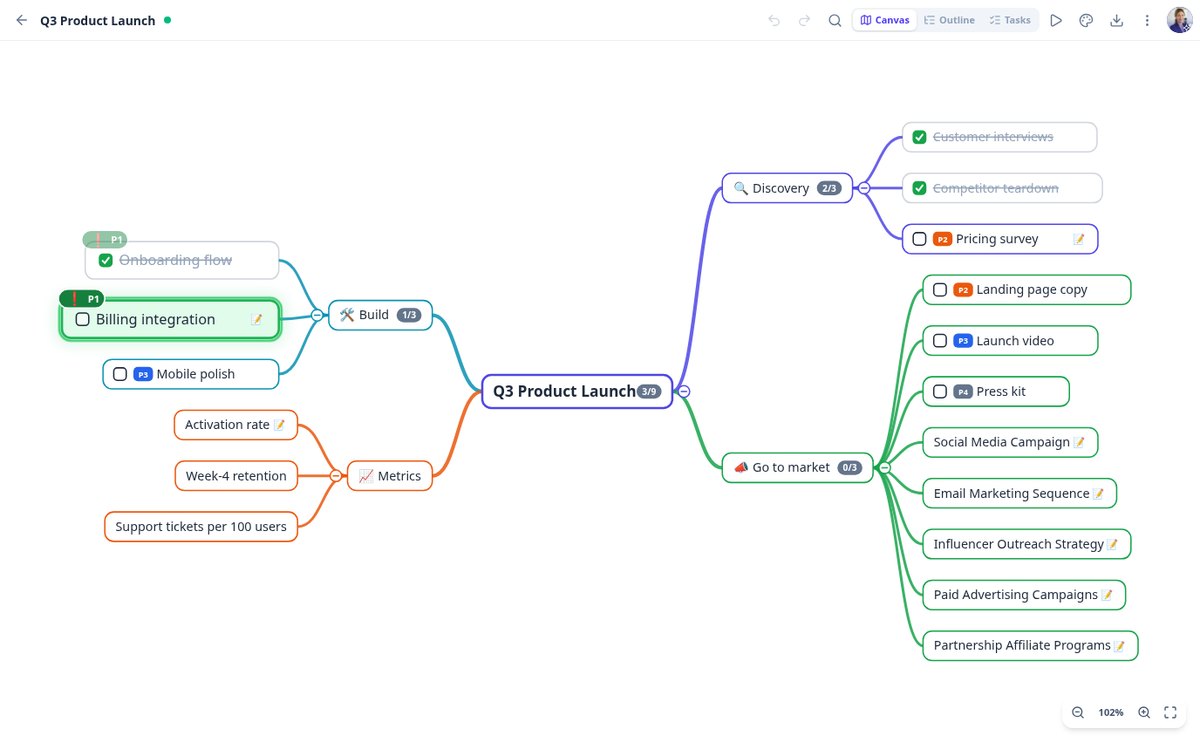
Mind map with tasks and checkboxes: mark what's done in aiMindMap
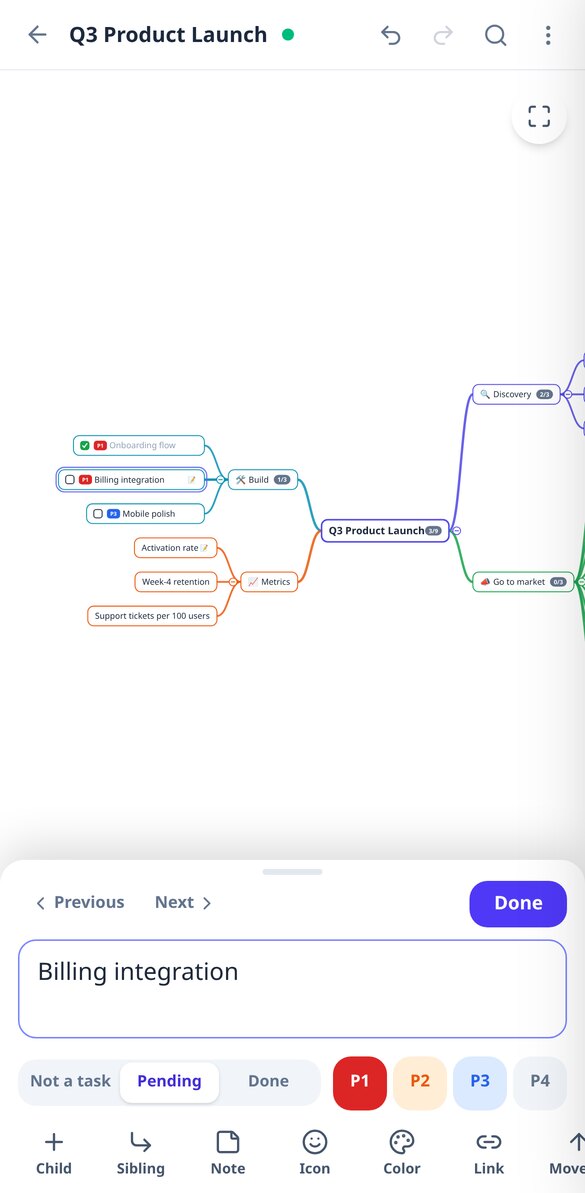
Turn any node of your mind map into a task with a checkbox: pending or done with one click, progress by branch, pending view, and export to Markdown with [ ] and [x].
View feature
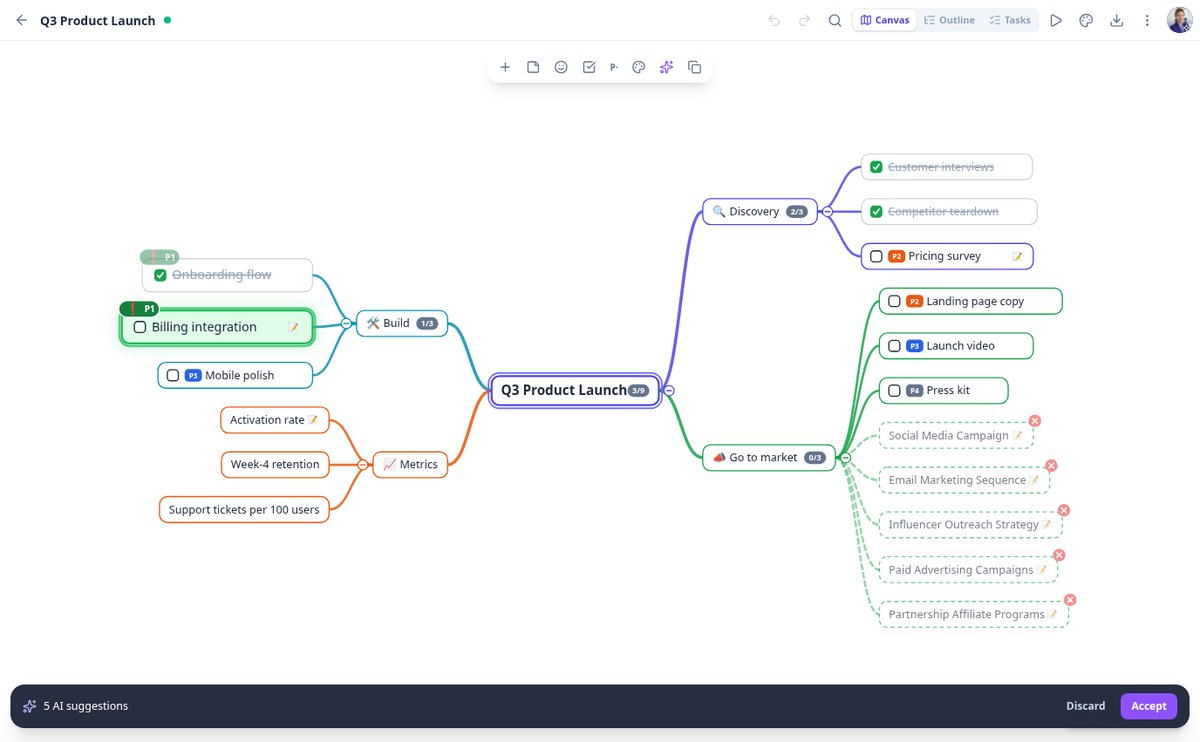
Create a mind map with AI from a topic | aiMindMap
Write the topic, choose 2 or 3 levels, and 4 to 8 branches, and the AI generates the complete mind map with notes on each node. You review it as a suggestion and either accept or discard it.
View feature
Convert a PDF to a mind map with AI | aiMindMap
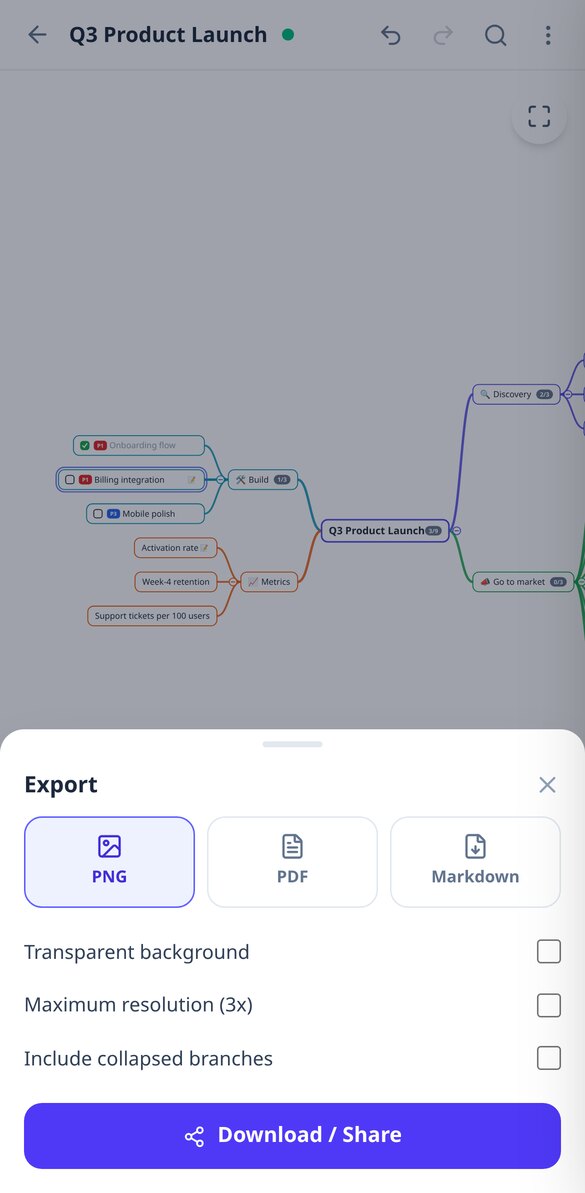
Upload a PDF, DOCX, TXT, or a photo of your notes and the AI from aiMindMap will convert it into a branching mind map. Read scanned documents with vision, three approaches (outline, task plan, or summary), and export to PNG, PDF, and Markdown.
View feature
Expand a branch of your mind map with AI | aiMindMap
Select a node and the AI proposes 3, 5, or 8 new sub-ideas that are coherent with the branch and do not repeat the existing children. They come as bullet-point suggestions: you can accept or discard them.
View feature
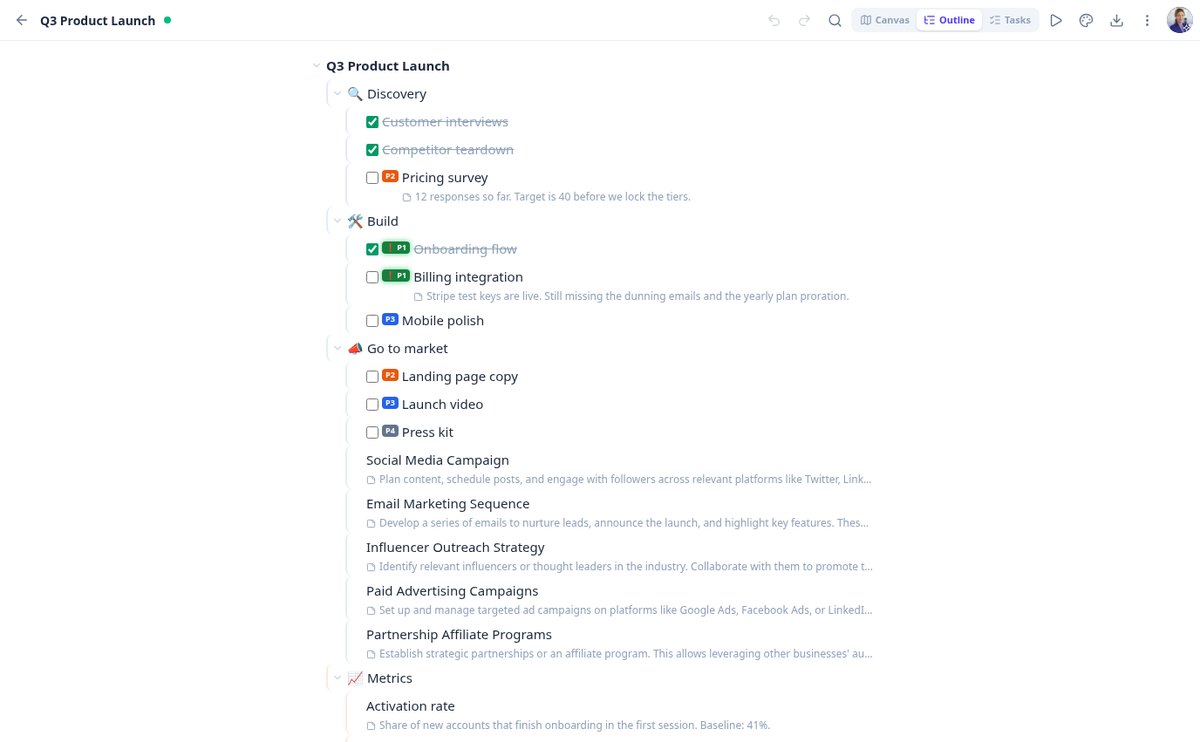
Mind map and indented outline at the same time | aiMindMap
Transform your mind map into an editable indented outline and return to the canvas without losing anything: Tab and Enter to write, Ctrl+arrows to reorder, tasks, priorities, and notes visible.
View feature
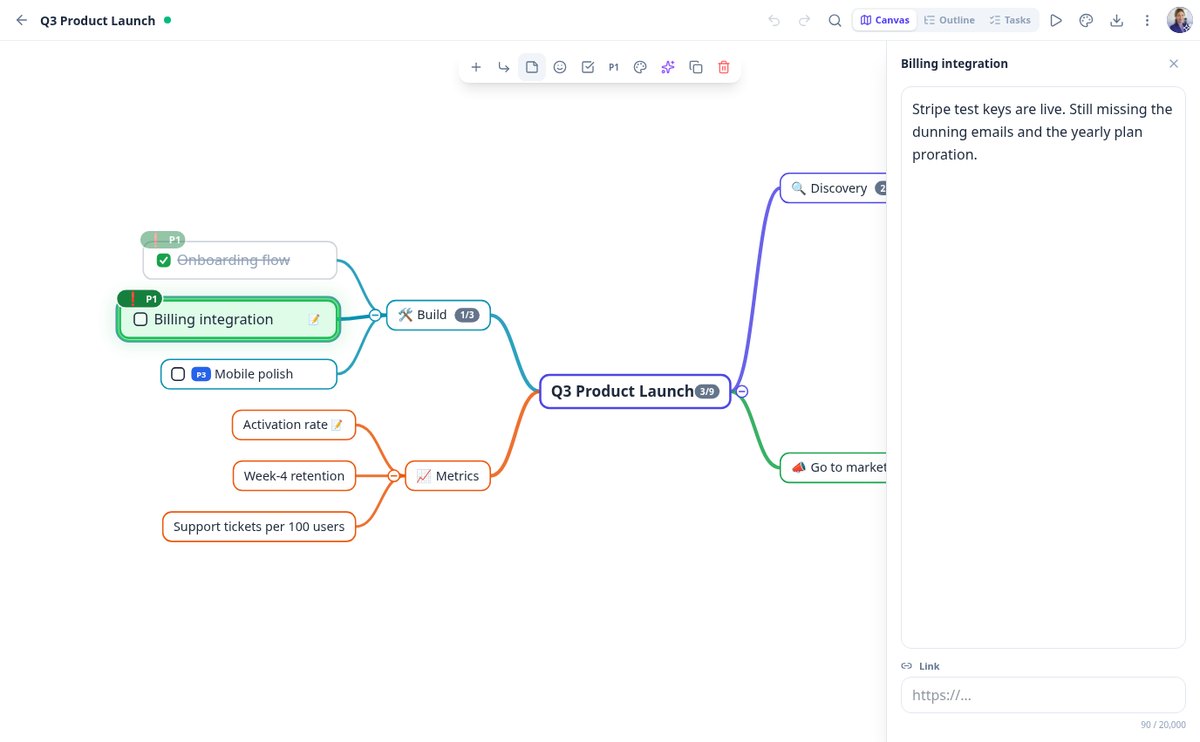
Present a mind map without slides | aiMindMap
Present your mind map branch by branch in full screen: automatic camera, rest of the map dimmed, your notes as a script, progress bar, and control with arrows, space or swipe. Esc returns to the editor where you were.
View featureWhat makes aiMindMap different
Three things that don’t usually go together: a calculation you can check, the explanation of why, and zero cost and zero sign-up to use it.

The map comes from your topic or your document
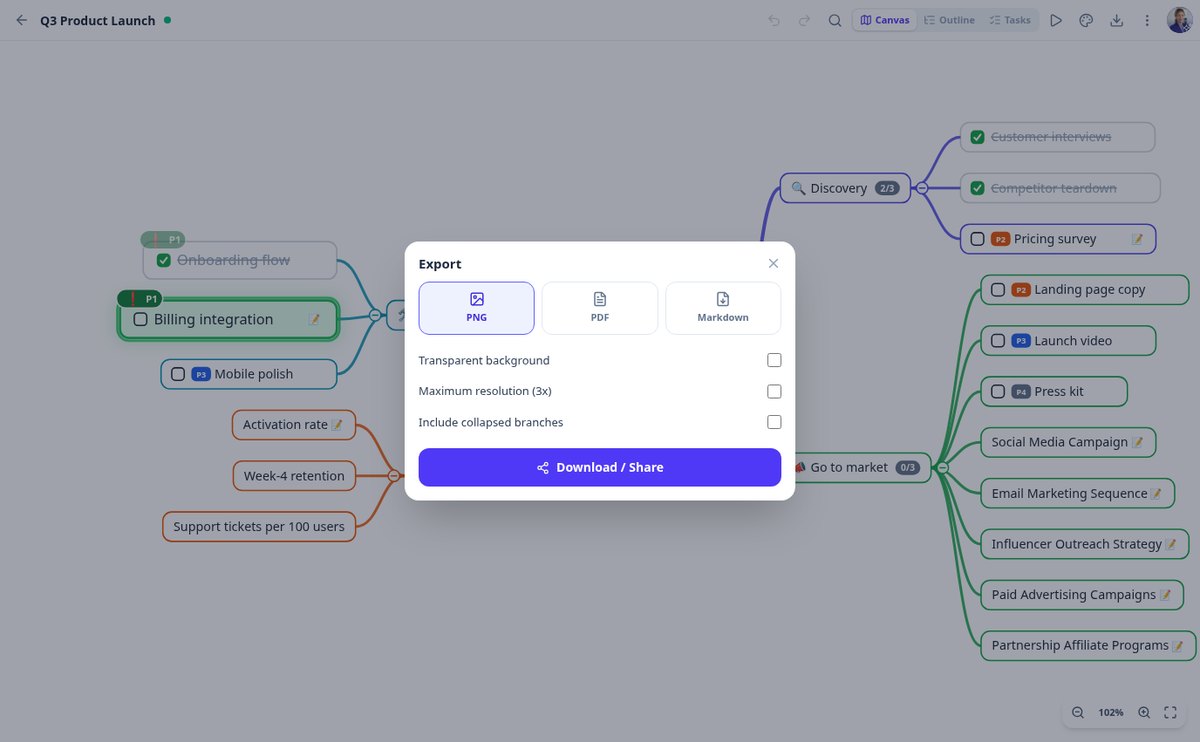
Describe the topic and choose depth and number of branches, or upload a PDF, DOCX, TXT, or a photo of your notes and choose the approach: conceptual outline, action plan, or executive summary. AI also expands any branch with new ideas, rewrites a node to shorten or clarify it, and suggests reorganizing the map by merging duplicates. Everything is previewed as dotted nodes that you accept or discard: nothing enters your map without your permission.

You type, the map organizes itself
You never place a node manually. Auto-layout spreads branches left and right without overlaps and keeps the node you're editing fixed on screen while the rest rearranges. Drag a branch to hang it from another parent, collapse what you're not looking at —with a counter of what it hides—, undo up to a hundred steps, and forget about saving: it saves automatically as you type.

The same map, as an outline, on screen, and in a file
Switch to outline mode and edit it as an indented list, or present the map branch by branch in full screen. Each node supports a long note, link, emoji, color, task status, and P1-P4 priority, with accumulated progress on each branch. And when you want to export it: high-resolution PNG, PDF, or Markdown to paste into Notion or Obsidian.
From idea to map in three steps
Paint your board
Drag your finger across the 8×8 grid to mark occupied cells: a whole row in one gesture. Undo and clear are always at hand, and the board is shared between the solver and the diagnosis so you only paint it once.
Choose your three pieces
You choose them by tapping the catalog palette, with each orientation as a separate piece because in Block Blast! pieces don’t rotate. Nothing to draw, nothing to type.
Get the move and the why
The full sequence, the lines you clear, the estimated points, the health of the resulting board, and the second-best option with its difference. On your phone, right away, with no sign-up and no usage limit.
Frequently Asked Questions
Latest blog articles
Guides and news to get more out of it

Mind map, concept map, and outline: differences and when to use each one
Mind map (Buzan), concept map (Novak), and classic outline: what each one represents, what research says, and a table to choose yours.

How to Create a Mind Map for Studying: Method, Evidence, and Mistakes That Ruin It
How to create a mind map for studying step by step: how many branches, what the evidence says (g=0.58), and how to use AI without stopping learning.
Stop writing lists and start seeing the structure
Mark the board, choose your three pieces, and stop losing to a move that looked good.