
AiNotes — AI notes that answer your questions · Ask your notes and they answer
 AI
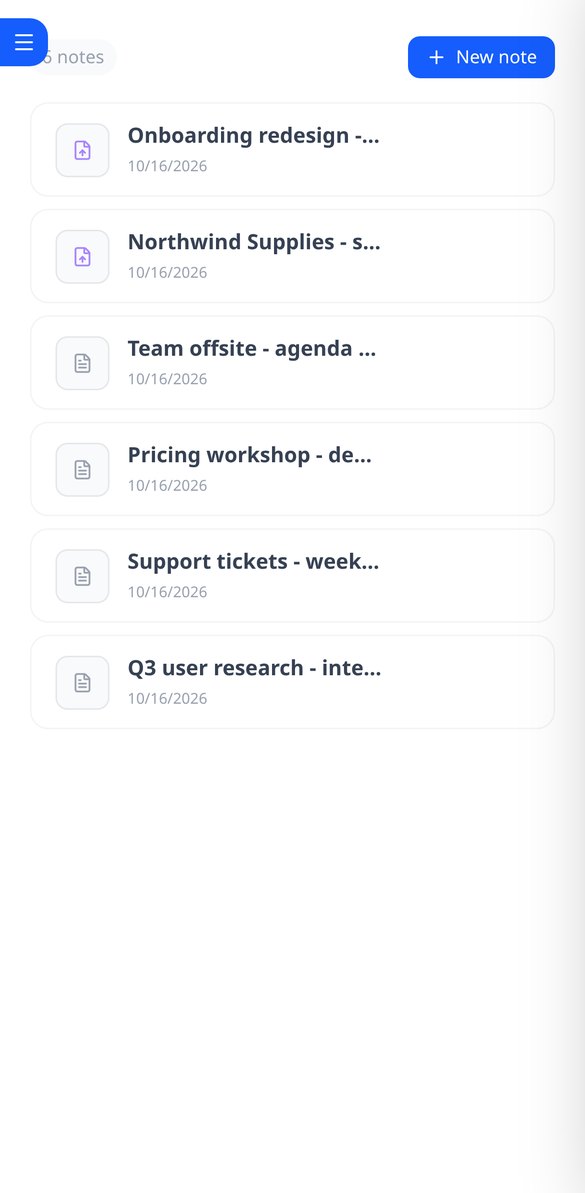
Save notes and attach PDFs and images to the same note. AiNotes reads everything and replies via chat, indicating which note each answer came from.
In the features that use AI, responses are generated by artificial intelligence and are not a substitute for professional advice.
アクセシビリティ法が自分に適用されるとわかっていても、送られてくるレポートは読みにくく、「魔法の」ウィジェットは何も解決してくれない、ということはありませんか?
aiWCAGは、本物のChromiumブラウザでサイトをモバイルとデスクトップの両方で開き、欧州規格EN 301 549と欧州アクセシビリティ法の技術的な基礎である、WCAG 2.0、2.1、2.2のAおよびAAレベルの基準に照らして、axe-coreで分析します。受け取るのはエンジンの出力そのままではありません。繰り返されるエラーはコンポーネントごとにまとめられ、重大度×影響範囲×場所の順に並べられます。「カートに入れる」ボタンの名前のないアイコンは、フッターにある同じ不具合より重く扱われ、各カードにその重みの理由が表示されます。検出結果にはそれぞれ、WCAG基準、セレクター、HTML、要素を赤で囲んだスクリーンショットが付きます。aiWCAGができないことははっきり伝えます。認証はせず、適合宣言も発行せず、オーバーレイも一切インストールしません。自動エンジンが検出できるのは実際のバリアのおよそ35%です。それらを修正するのは第一歩であり、ゴールではありません。
Start for free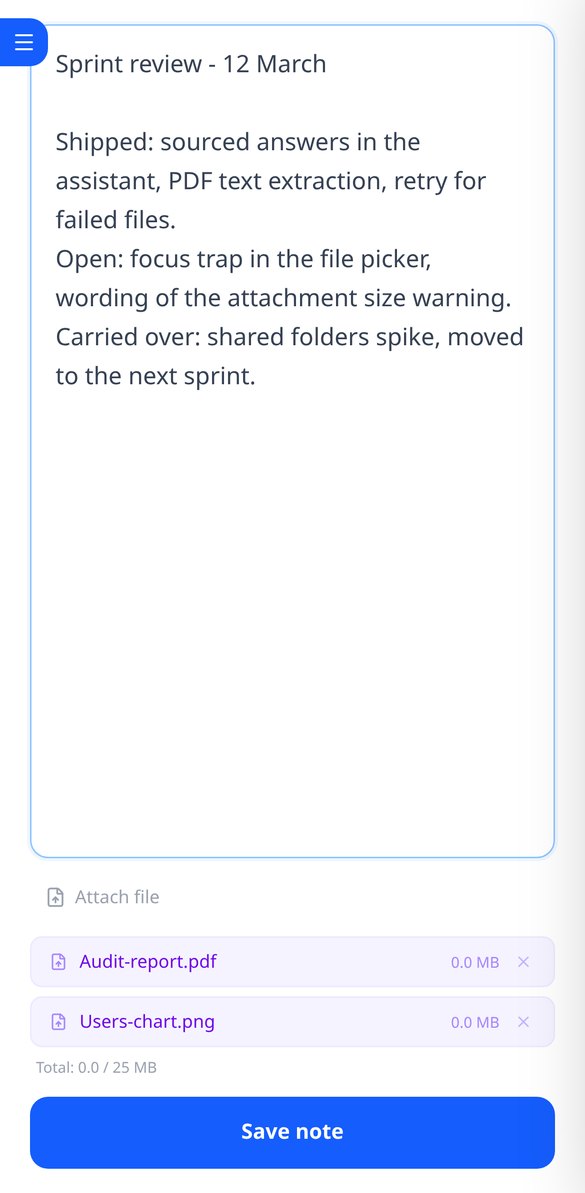
Discover every feature in detail

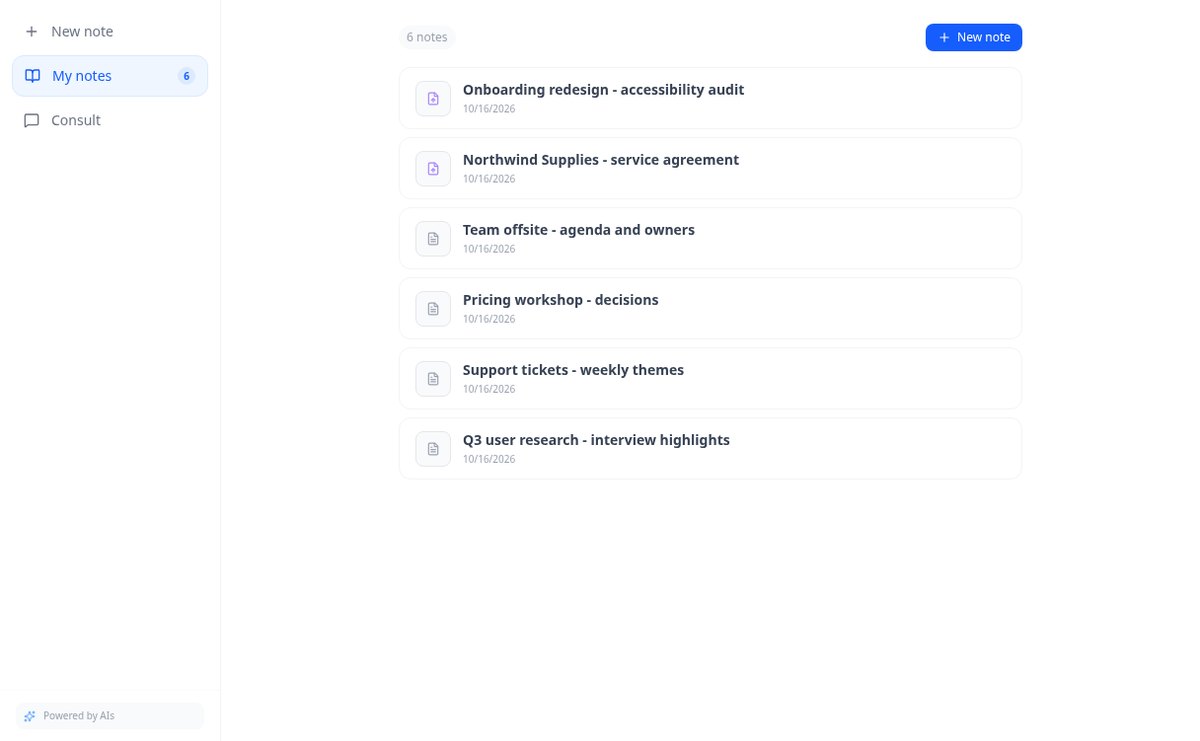
Online notebook for writing and editing free text | AiNotes
Write free text notes without templates and edit them whenever you want: AiNotes saves the content, generates the title automatically, and updates the index when corrected. Free.
View feature
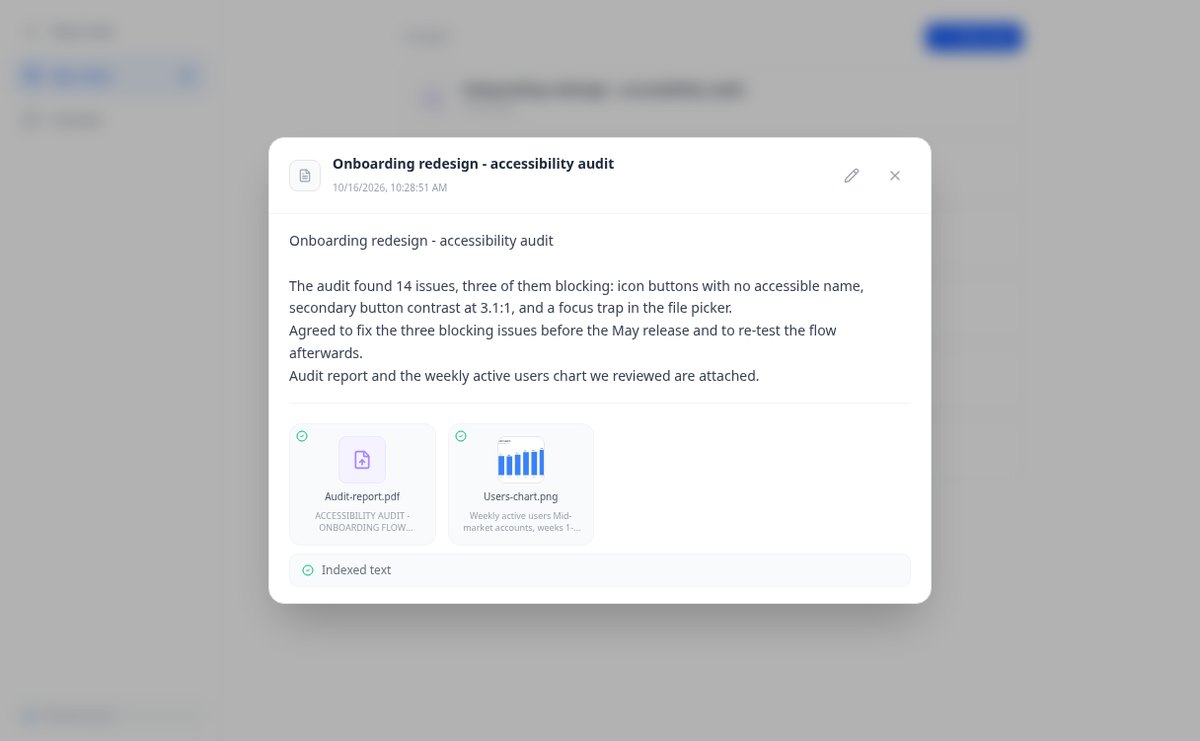
Notes with attached PDFs and images, up to 25 MB per note | AiNotes
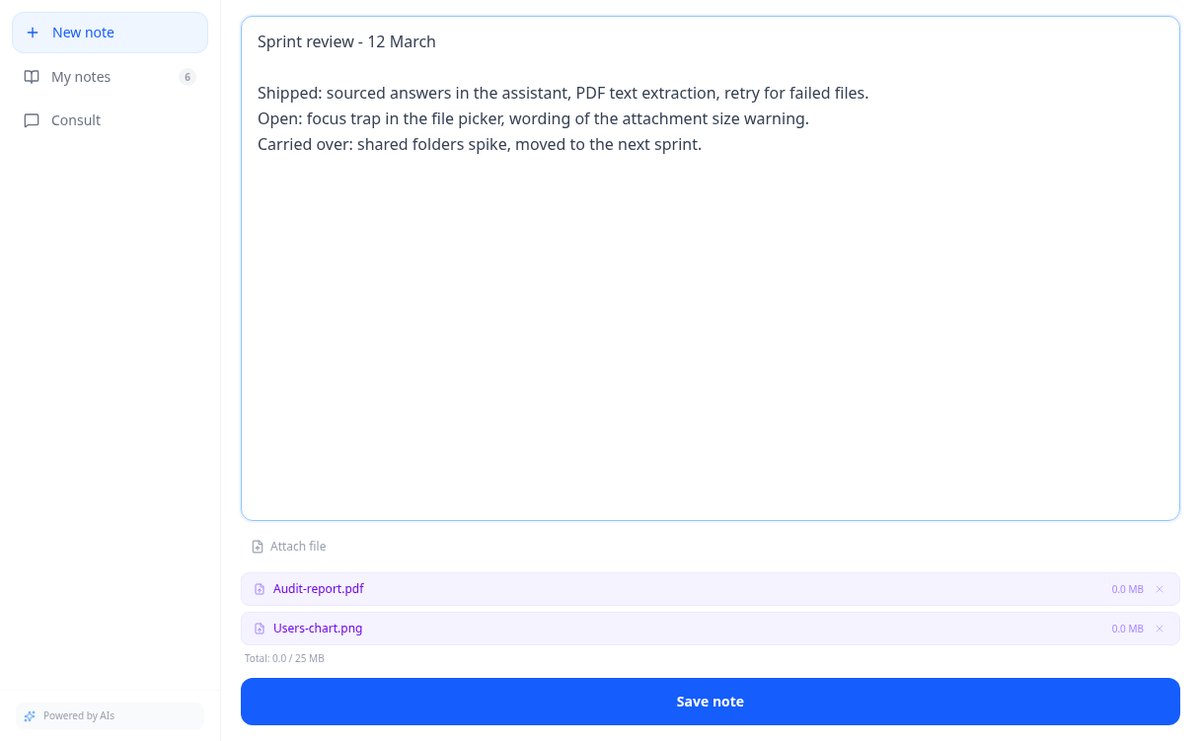
Attach multiple PDFs, PNG, JPG, WebP, or GIF to each note —up to 25 MB— by dragging them into the editor, and later query their content via chat. Free at AIsToHire.
View feature
Notes that index themselves with Gemini embeddings | AiNotes
AiNotes breaks down each note and attachment and converts them into vectors with gemini-embedding-001 upon saving, allowing for meaning-based searches and chat inquiries. Free at AIsToHire.
View feature
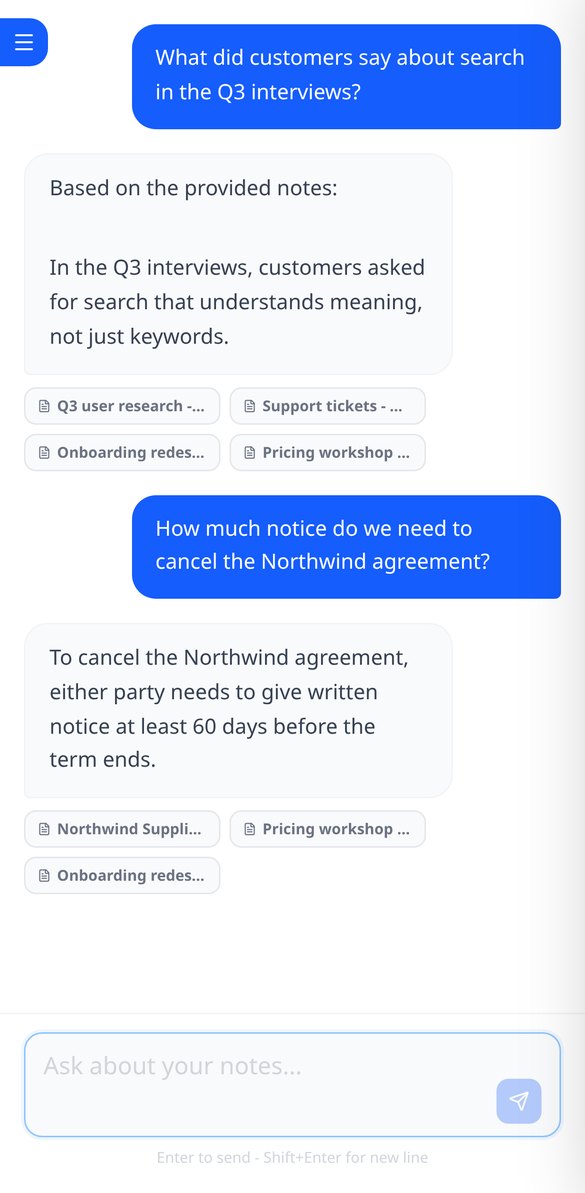
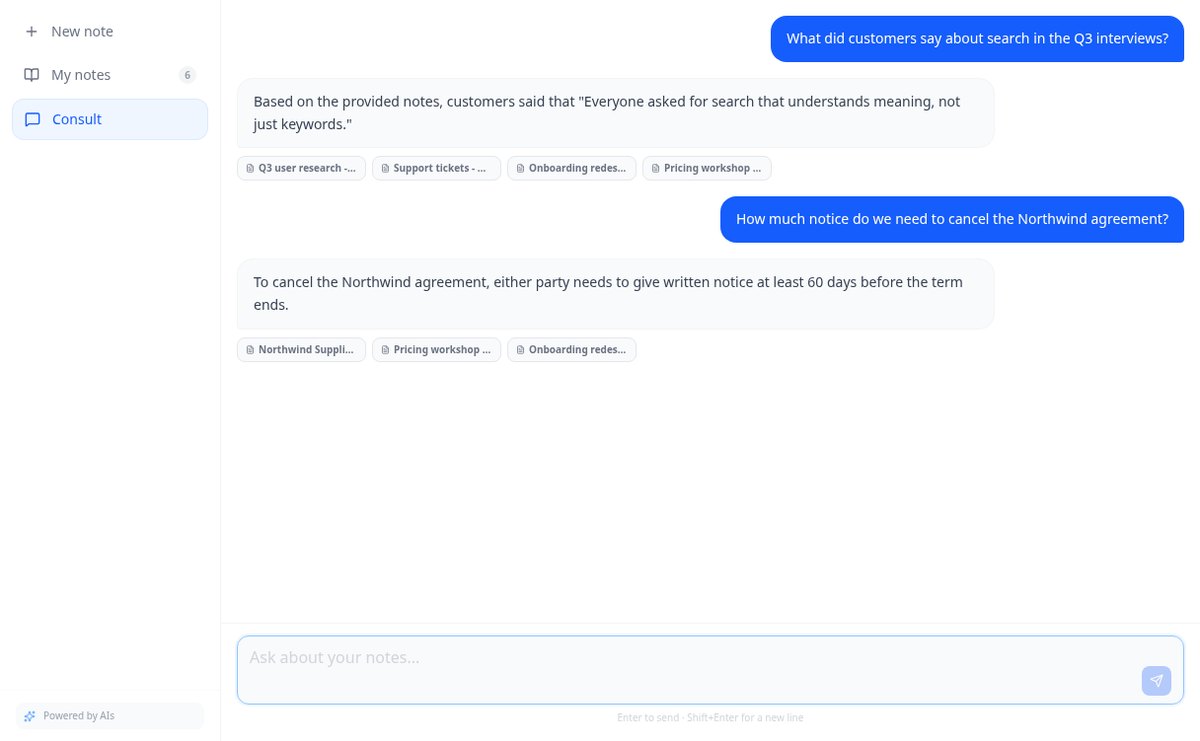
Chat that answers with your notes and cites the source | AiNotes
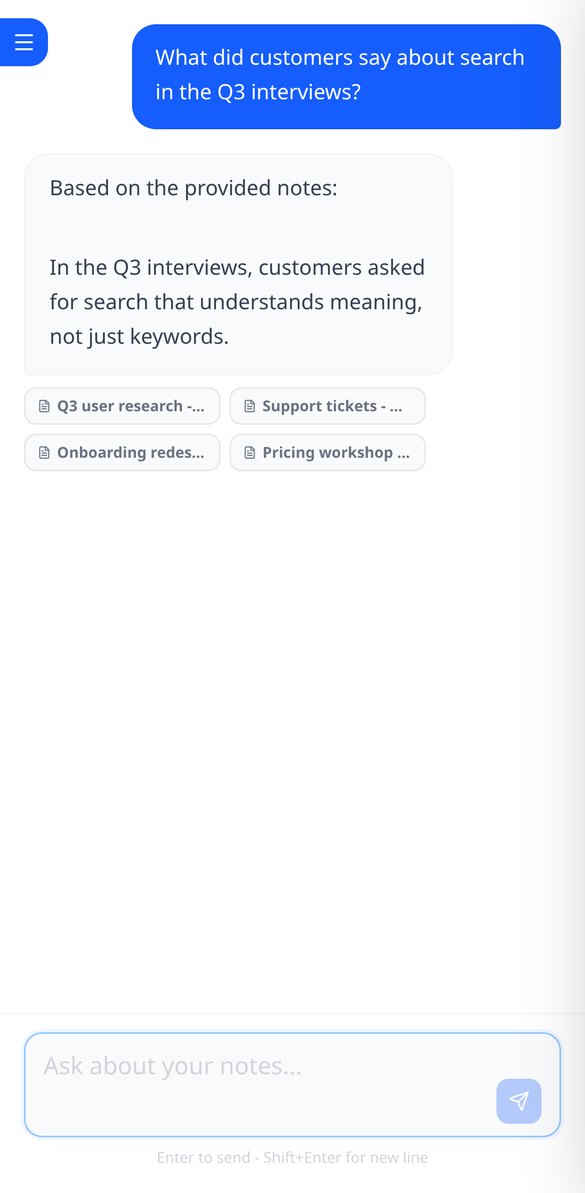
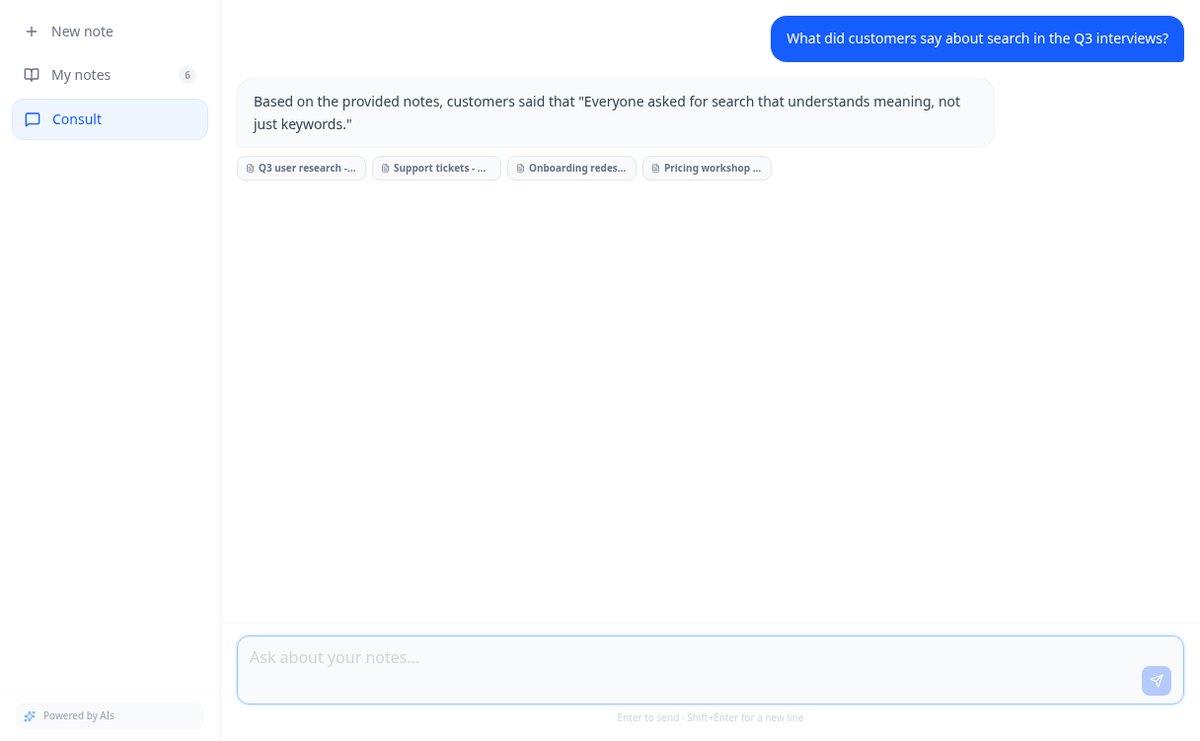
Ask your notes and PDFs: AiNotes searches for the 5 most relevant snippets, responds only with them, and shows the title of each note used. Free at AIsToHire.
View featureNotes that understand what you save
普通は一緒にならない3つのもの:信頼できるエンジン、ビジネスを理解した優先順位、そして開発担当者がそのまま使えるレポートです。
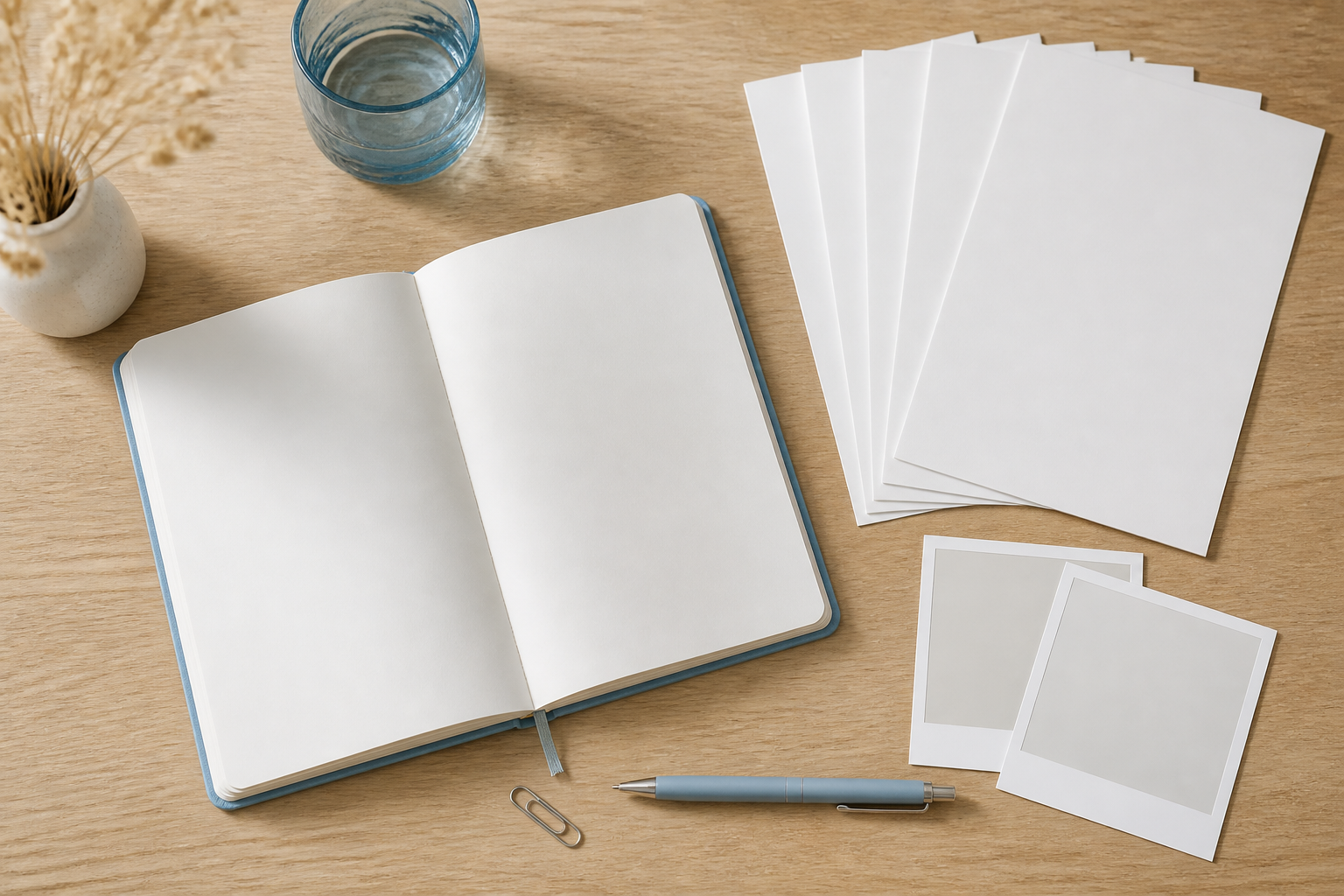
Notes and documents in the same note
Write the note and attach PDFs or images (PNG, JPG, WebP, and GIF) by dragging them, up to 25 MB per note. Everything stays together, with preview and download.
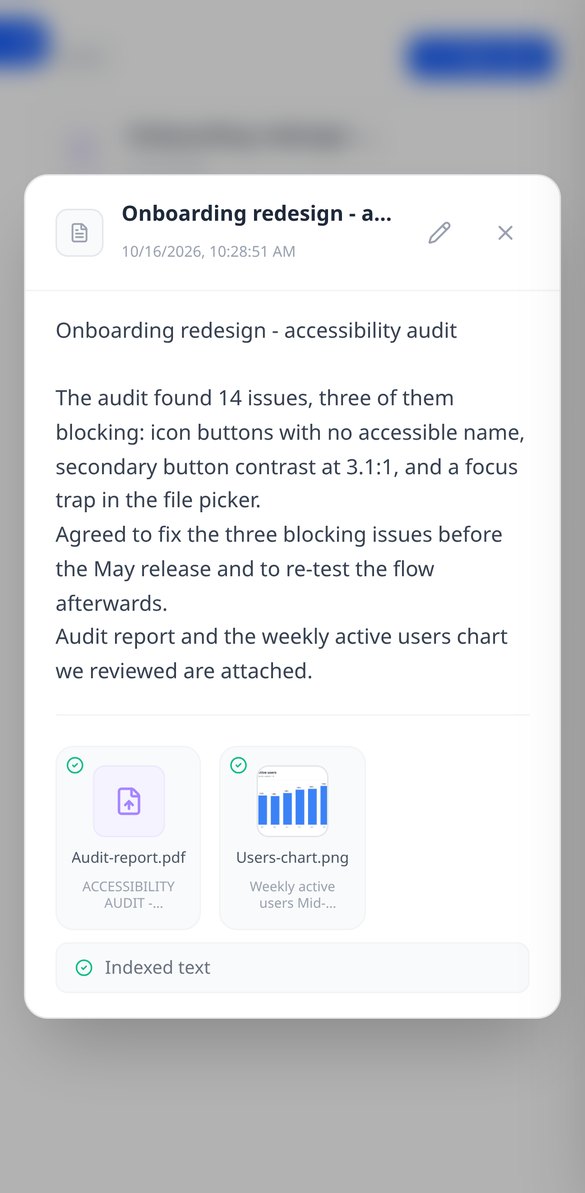
AI reads every note and every file
When you save, AiNotes automatically splits and indexes the content. You see the status of each item (processing, ready, or error) and can retry the one that fails.

Chat that answers by citing your notes
Ask in your own words and the assistant responds using only your content, showing the notes it got the information from. If it's not in your notes, it tells you.
Get started in three steps
サイトを登録
名前、アドレス、ビジネスの種類(オンラインストア、サービスサイト、その他)を入力します。担当しているサイトごとに、複数のサイトを登録できます。
重要なページを選ぶ
トップページは固定で、一覧、商品ページ、カート、お問い合わせなど、役割付きで最大4ページまで追加できます。手元になければ「トップページからページを提案」で自動的に探します。
レポートに取り組む
分析がページごとに進むのを見ながら、優先順位付きのリストに到達します。修正したものにマークを付け、該当しないものは却下し、コードを変更したら再度監査します。
Frequently asked questions
Latest blog articles
Guides and news to get more out of it
Is it legal for an AI bot to record and transcribe your meetings? What has changed in 2026
Lawsuits against Otter.ai, the position of the AEPD from January 2026, and a checklist for transcribing meetings with AI without violating the GDPR.
Search for data in your PDFs and notes: why Ctrl+F fails you and what really works
Ctrl+F finds nothing in a scanned PDF because it contains an image, not text. We explain why and how to ask your own notes and PDFs.
Start asking your notes
無料でアカウントを作成してサイトを登録すれば、数分で最初の監査を実行できます。aiWCAGはAIsToHireのウェブアクセシビリティツールです。