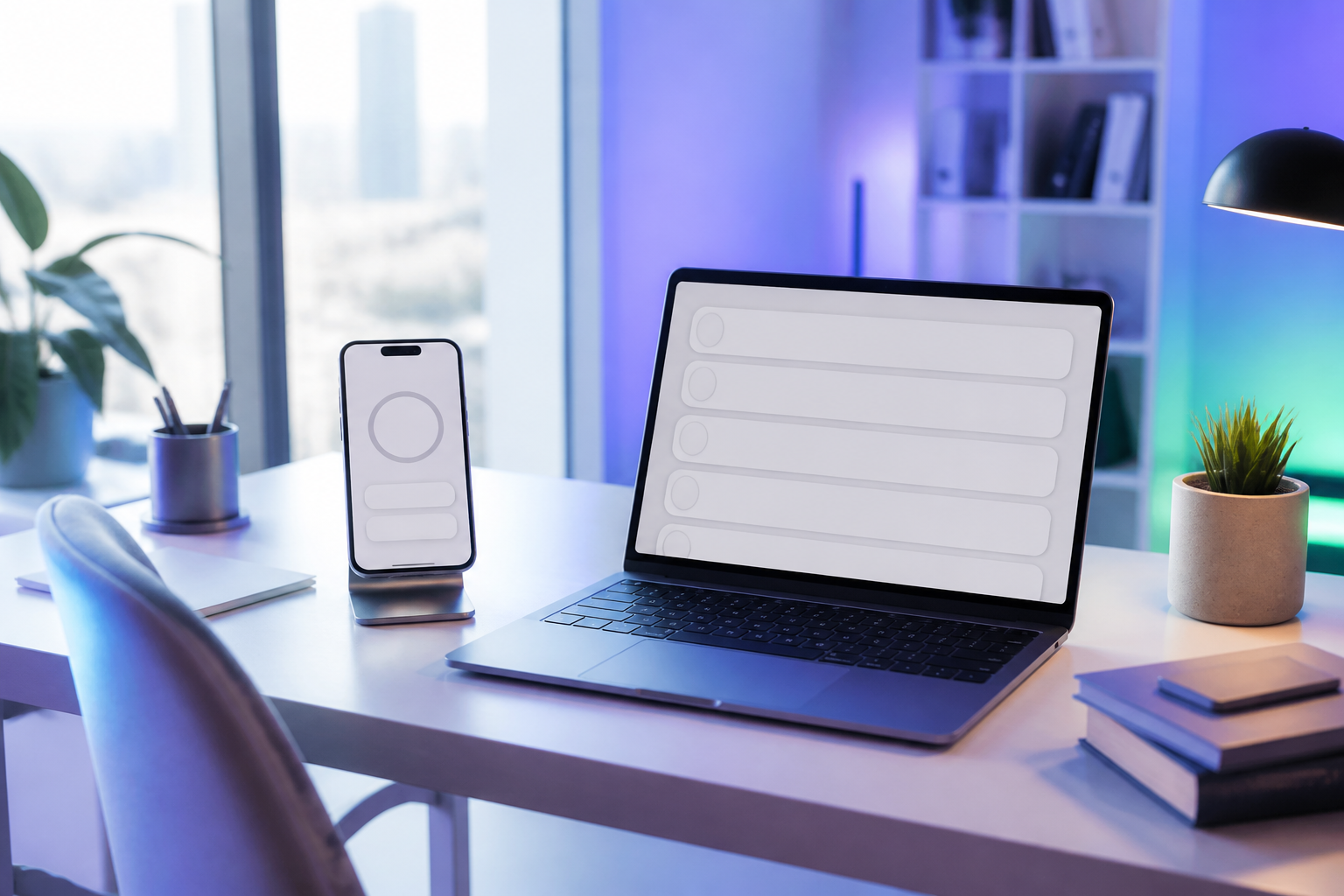
TimeTrack · Clock in with one tap and keep your team's time tracking up to date
 AI
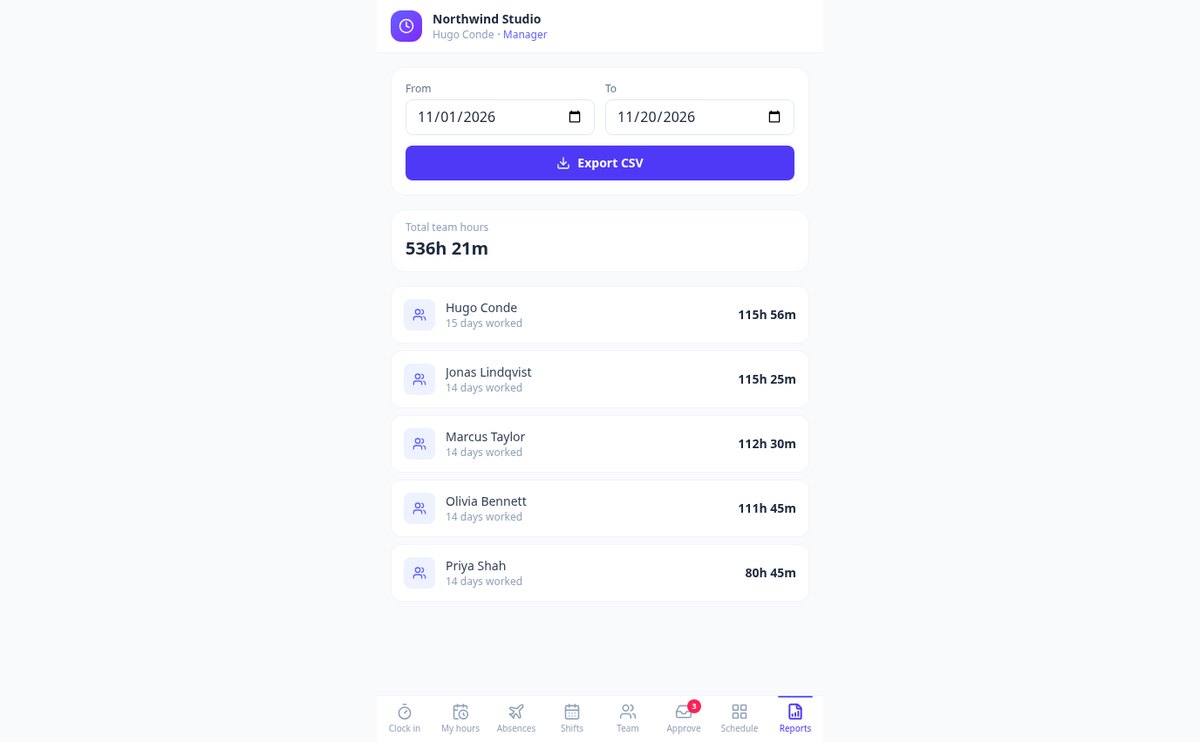
For companies and teams required to track working hours and still getting by with a spreadsheet or a notebook: your employees clock in, clock out, and take breaks from their phones, you see who is working right now, and you get the record in CSV whenever someone asks for it.
In the features that use AI, responses are generated by artificial intelligence and are not a substitute for professional advice.
독특하고 맞춤화된 색칠 그림을 찾고 있나요?
Aiscoloring은 인공지능으로 바로 인쇄할 수 있는 흑백 그림을 만들어 줘요. 어떤 장면, 캐릭터, 아이디어든 설명하고 연령대를 선택하면 몇 초 만에 색칠하기 좋은 일러스트를 받을 수 있어요.
Start for free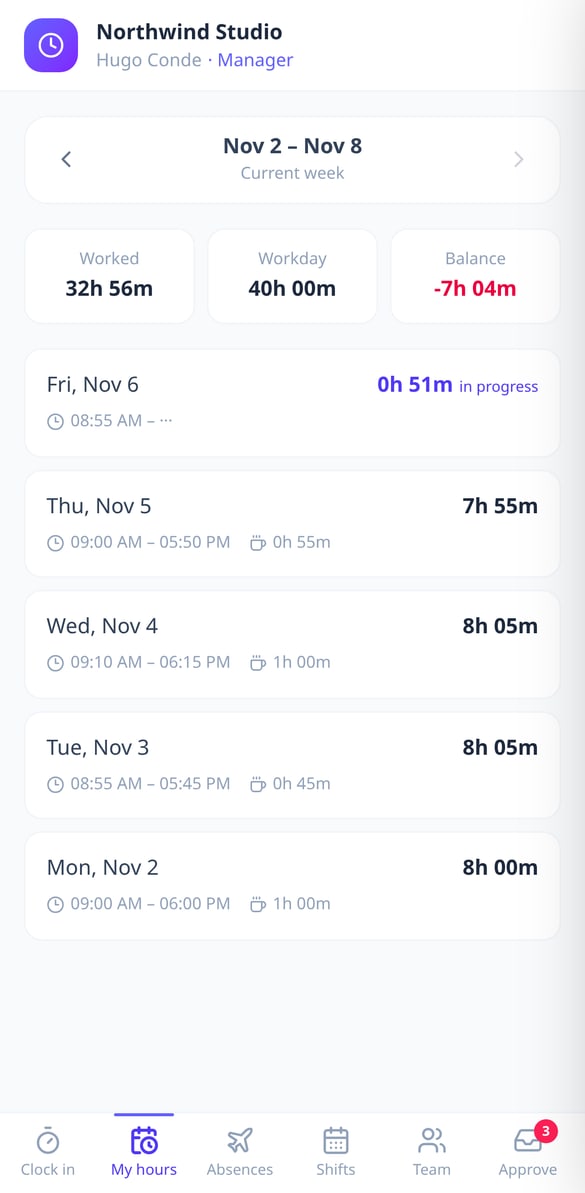
Discover every feature in detail
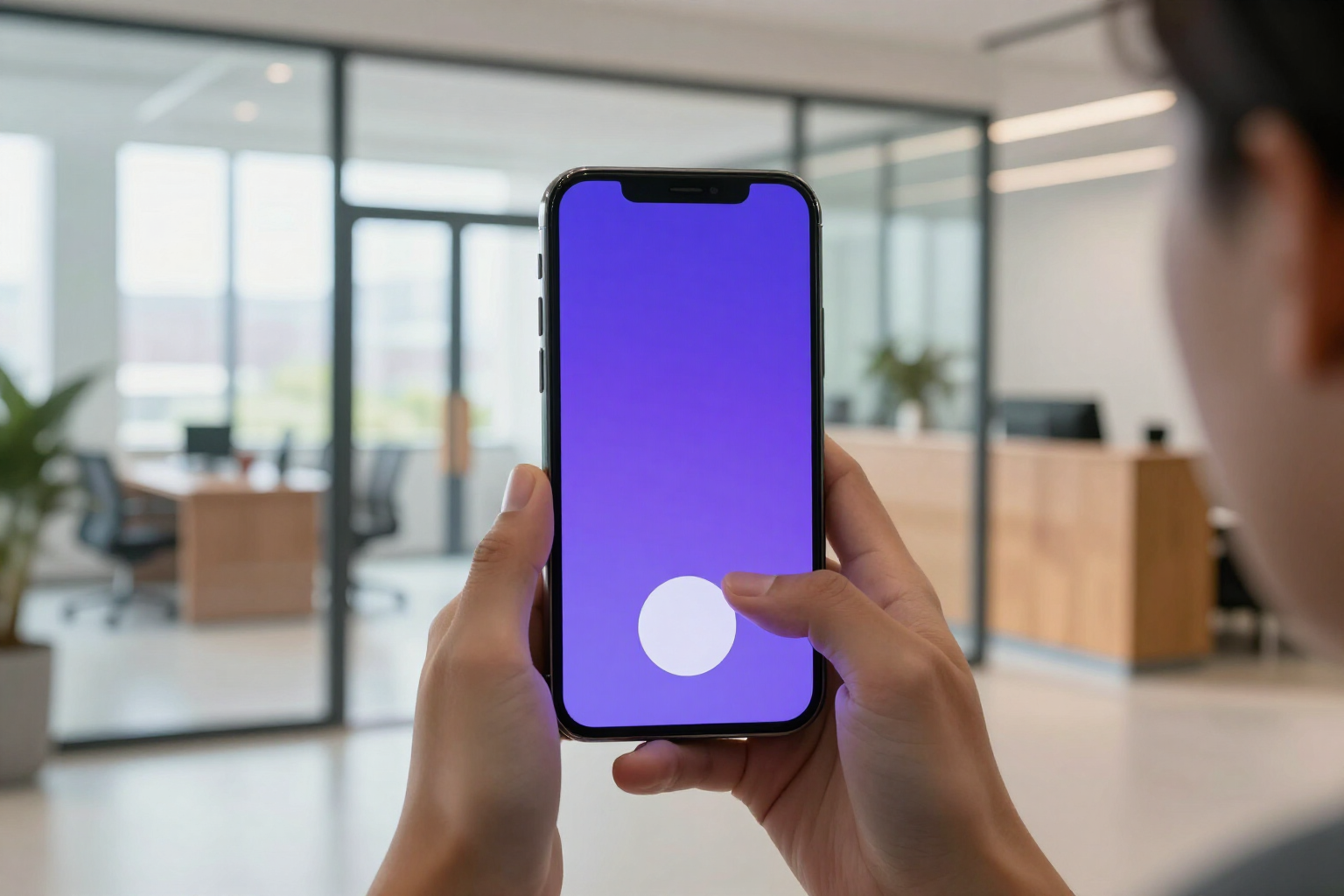
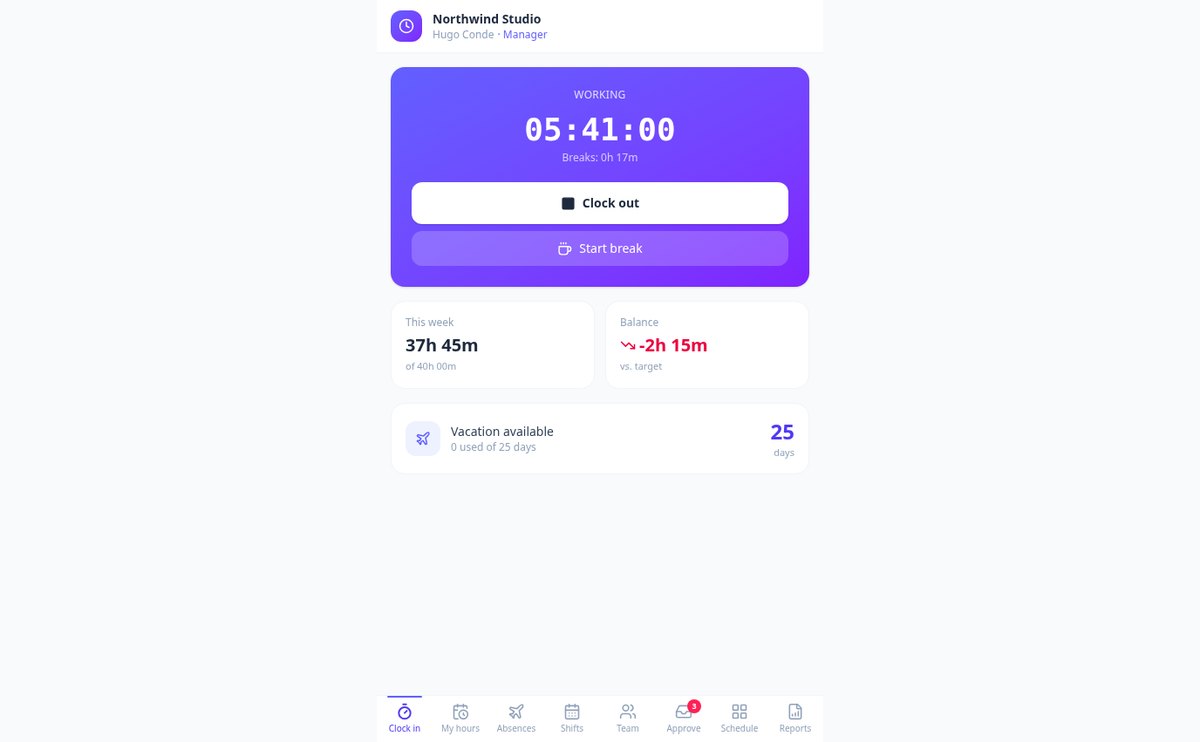
Digital clocking in 1 click: clock in and out | TimeTrack
Your team clocks in, takes breaks, and clocks out with a tap from their mobile. Live stopwatch of effective time, record with date and time of each entry, optional geolocation, and CSV export. Start for free with TimeTrack.
View feature
Weekly automatic hour balance: extra hours and debt | TimeTrack
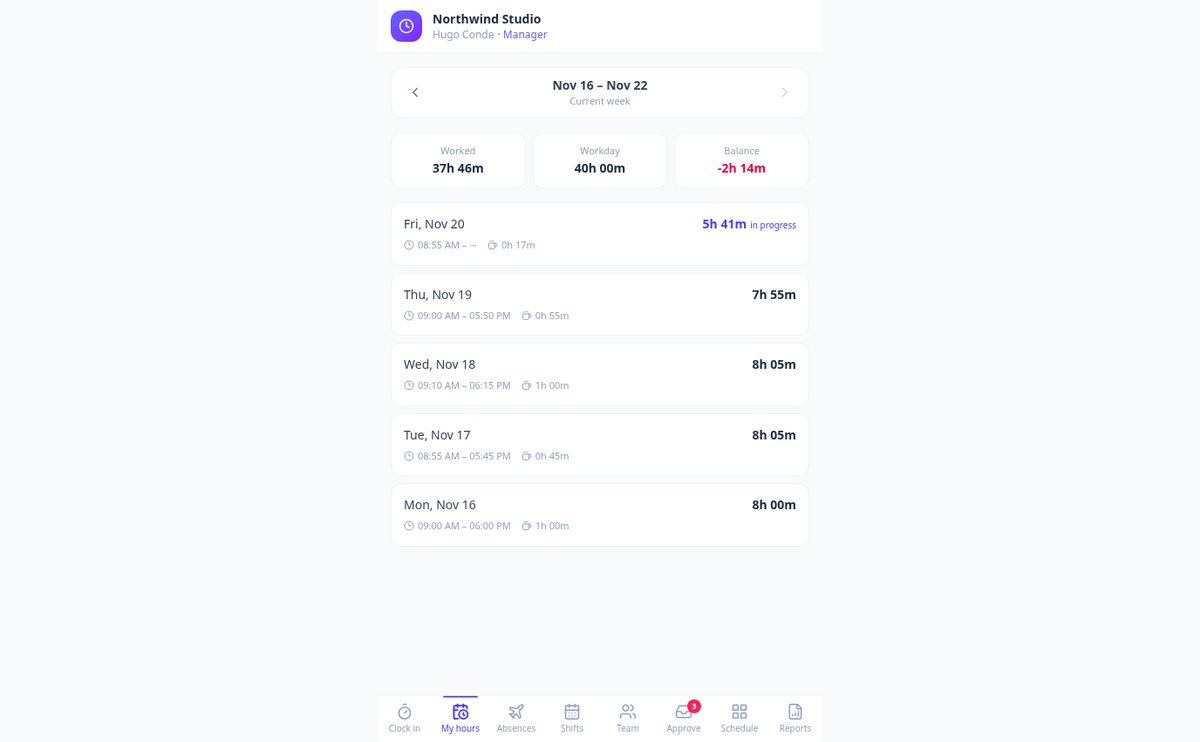
TimeTrack calculates your team's hour balance each week: it compares the clocked hours with each employee's theoretical workday and displays extra hours or debt in green or red, without spreadsheets. Daily breakdown, previous weeks, individual workdays, and CSV report.
View feature
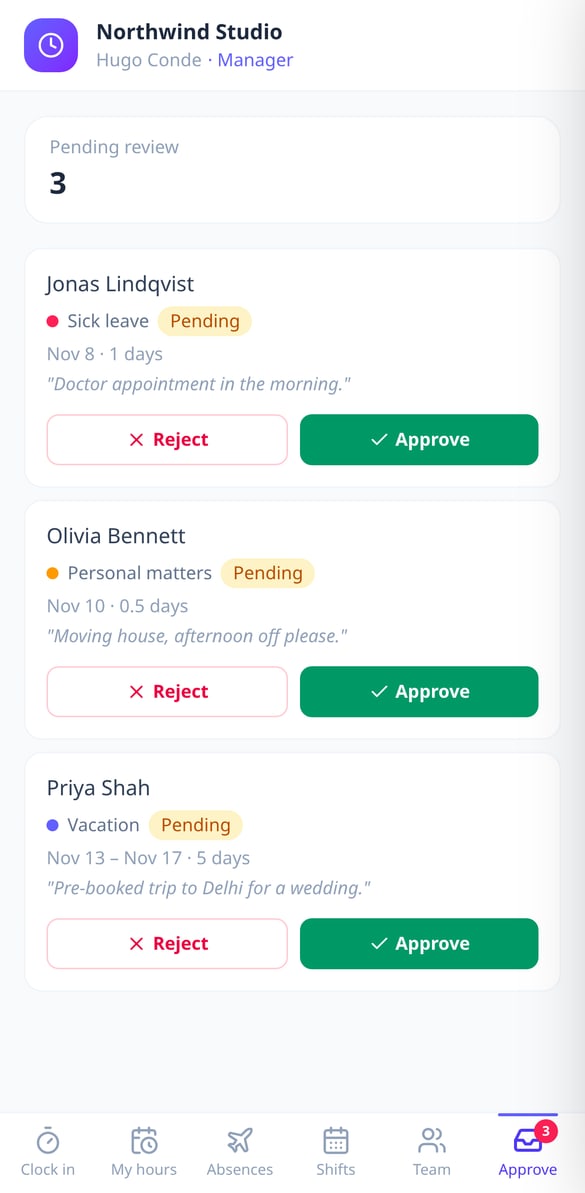
Request and approve vacation from your phone | TimeTrack
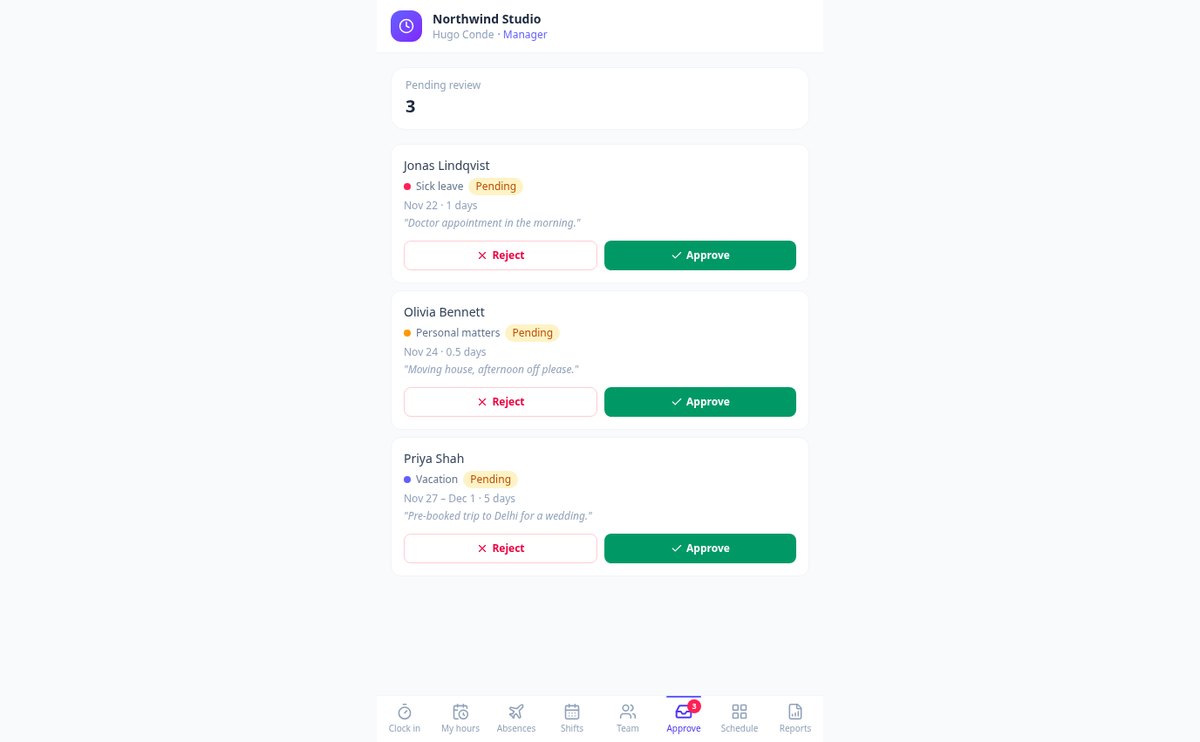
Your employees request vacation, sick leave, or personal days from their phone, even half days, and see their remaining balance. The manager approves or rejects from a pending inbox with review notes. Calculated in business days.
View feature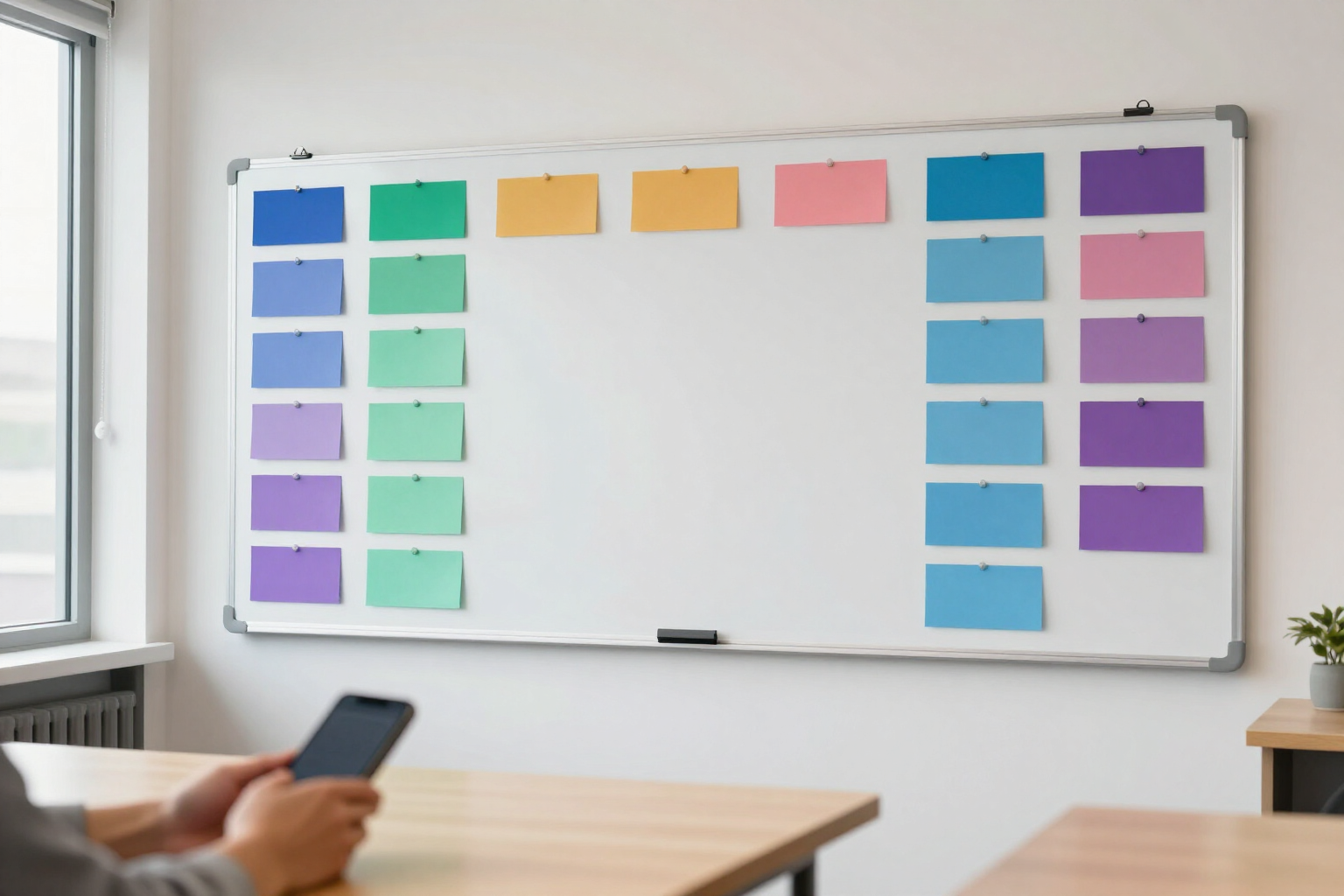
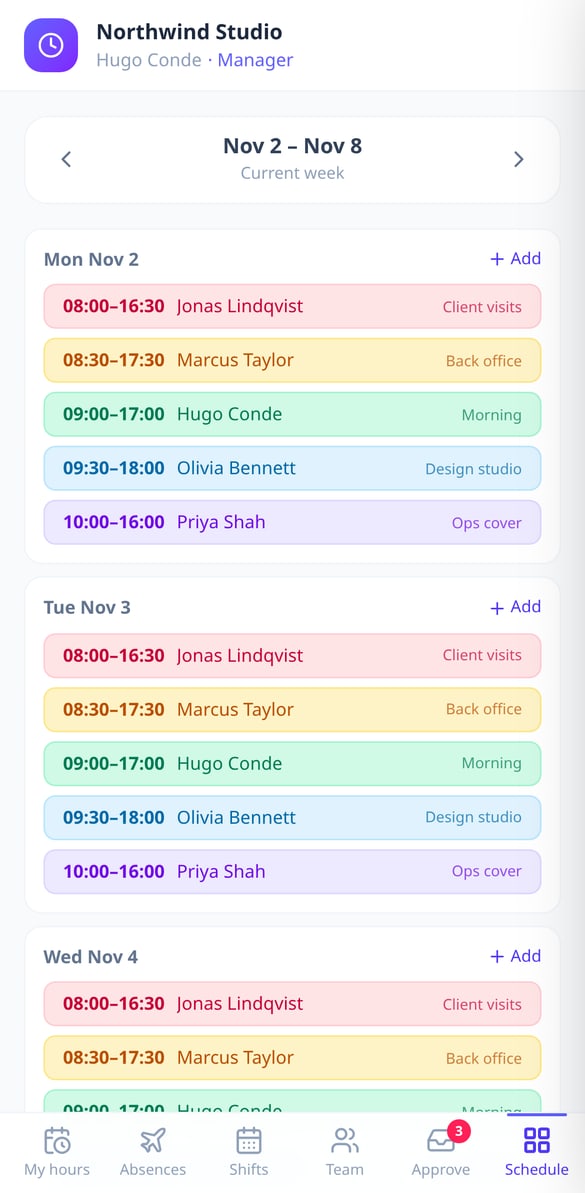
Color-coded Weekly Shift Schedule | TimeTrack
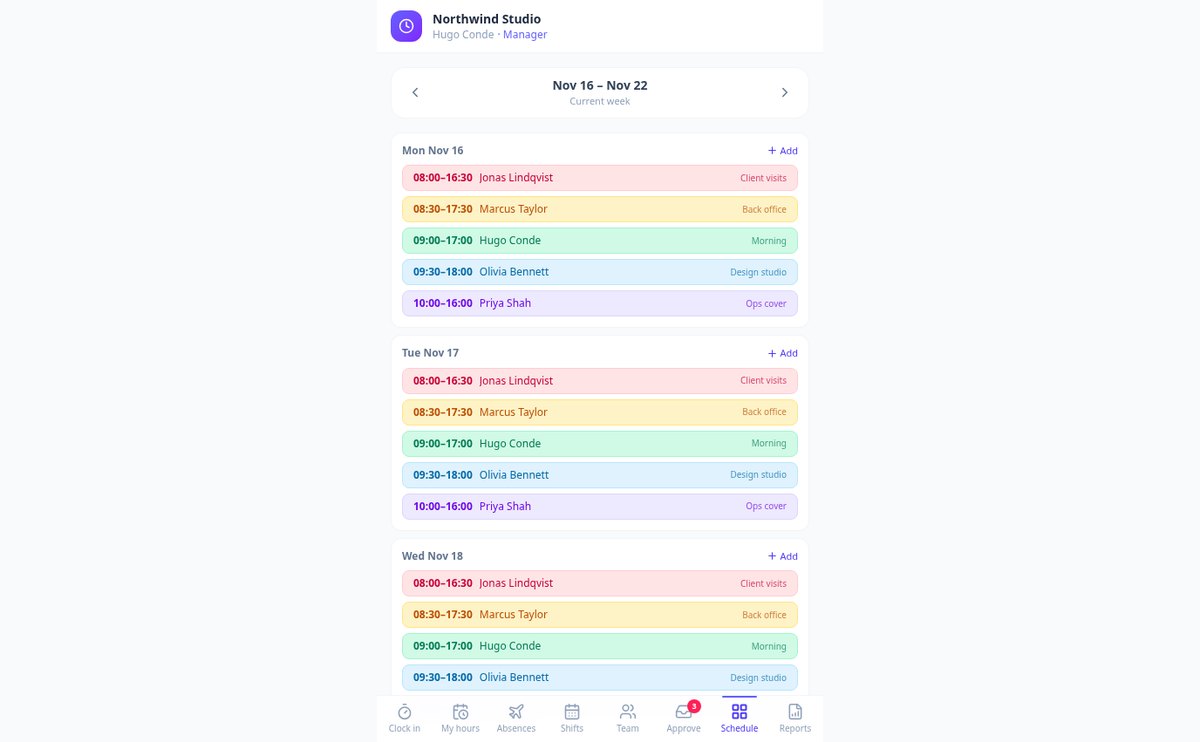
Plan your team's shifts by day with label, color, and start and end times. Navigate between weeks without limits and each employee can check their shifts from their mobile device, with calculated duration.
View feature
Geolocation Time Clock Entry: Only from the Workplace | TimeTrack
Prevent time clock entries from home: define your center’s coordinates and a radius in meters, and TimeTrack rejects any time clock entry made outside the area on the server. Radius from 20 to 5,000 m and optional mandatory location.
View feature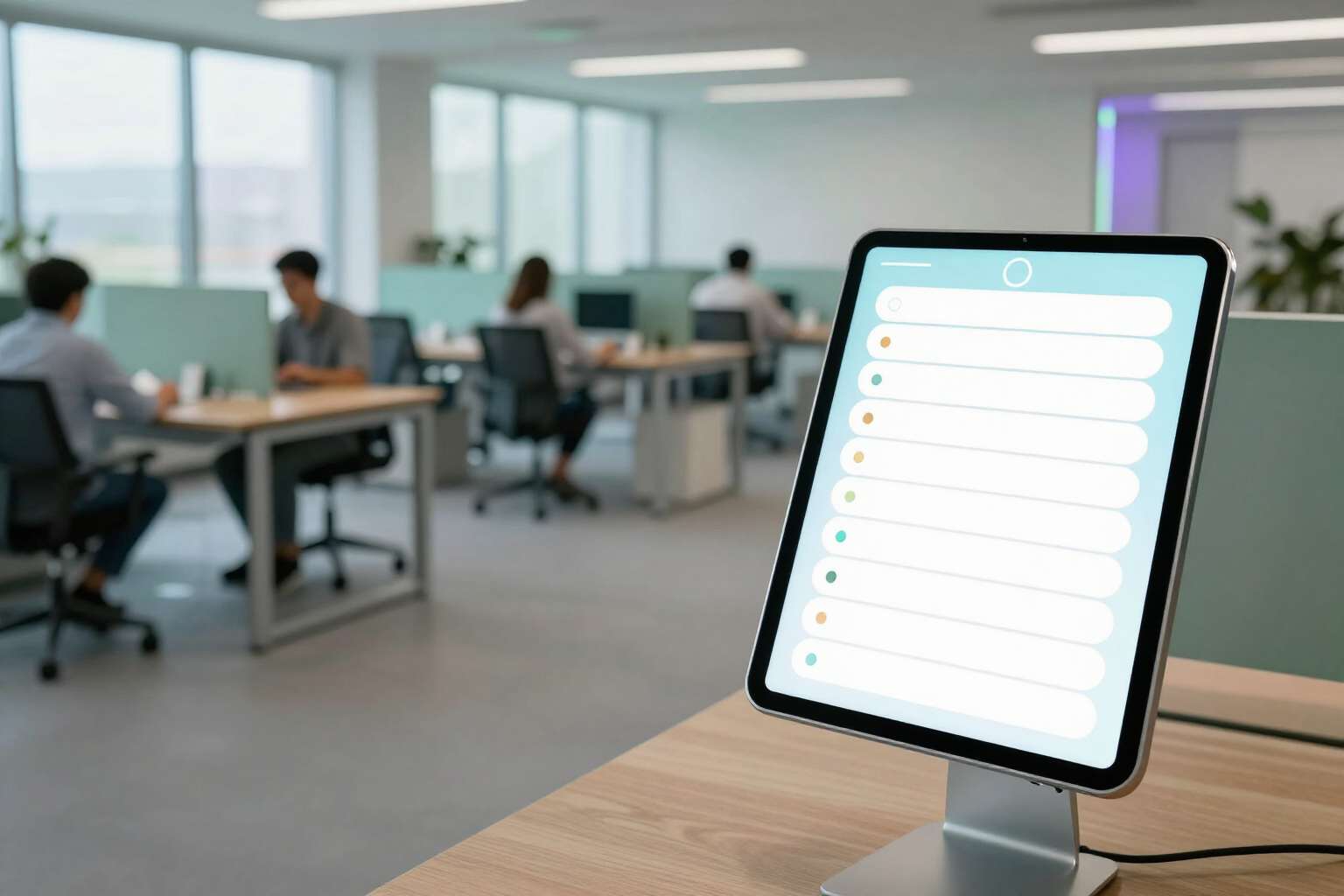
Real-time Team Dashboard: See Who’s Clocked In | TimeTrack
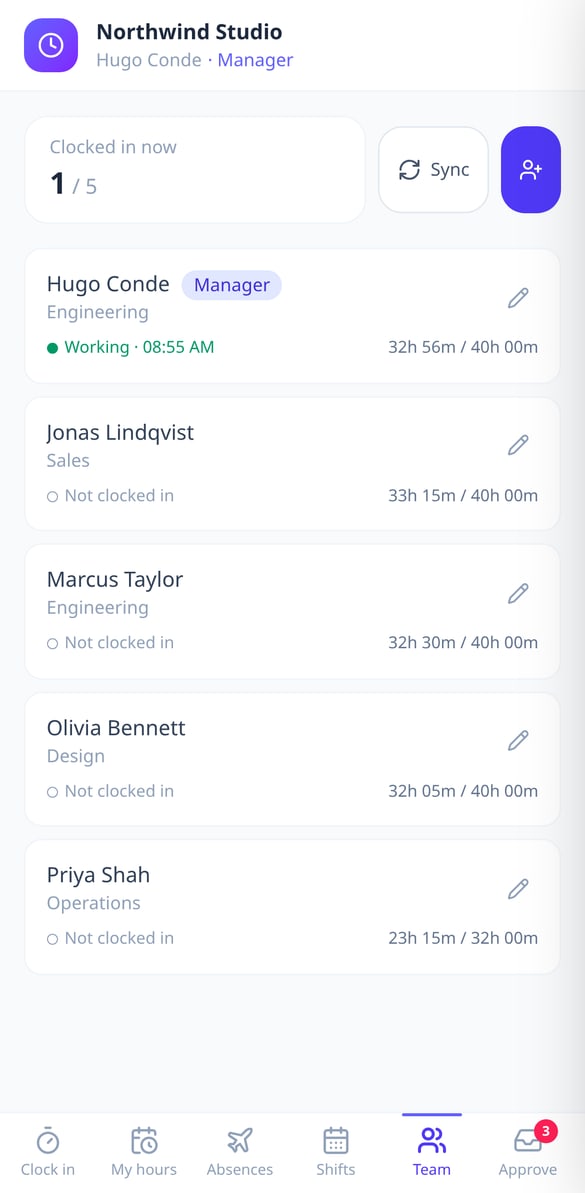
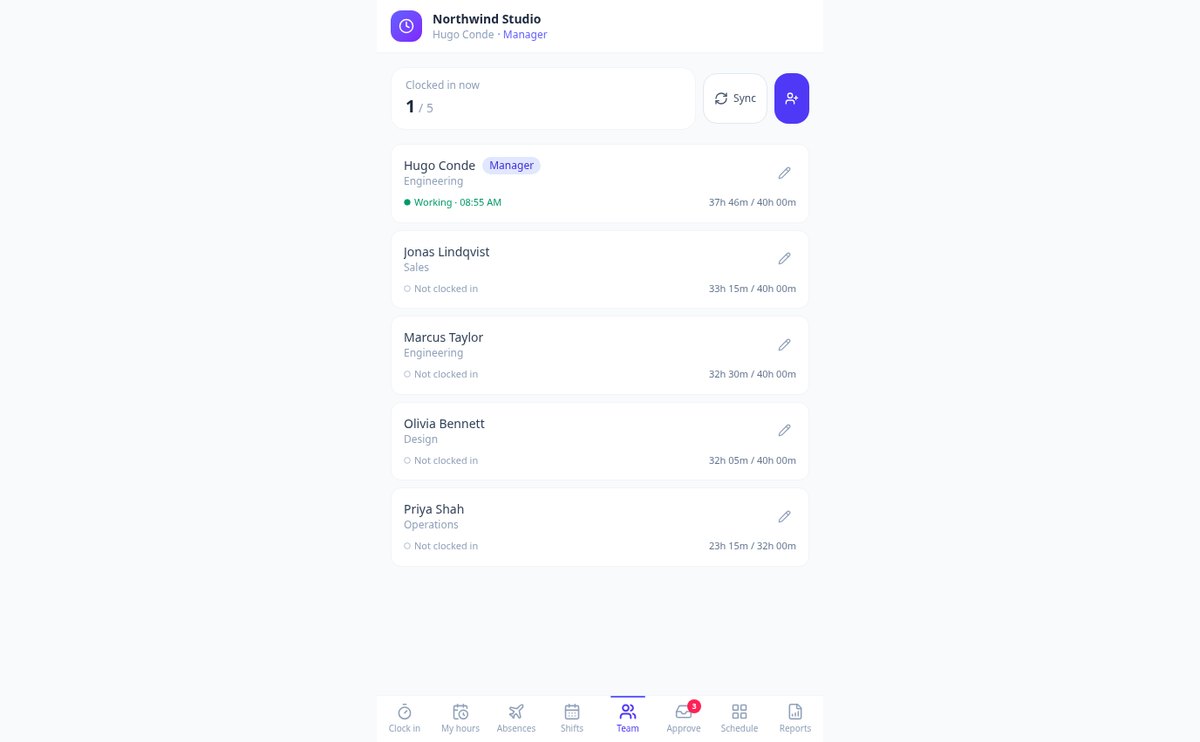
See on a single screen who is working now, who is on break, and who hasn’t clocked in, along with their actual start time and weekly hours compared to their scheduled working hours. A presence dashboard for managers, within TimeTrack.
View featureFrom Monday's clock-in to the end-of-month report
색칠 공부 페이지를 쉽고 재미있게 만들 수 있도록 설계된 기능이에요

One-tap clock-in, with breaks and location
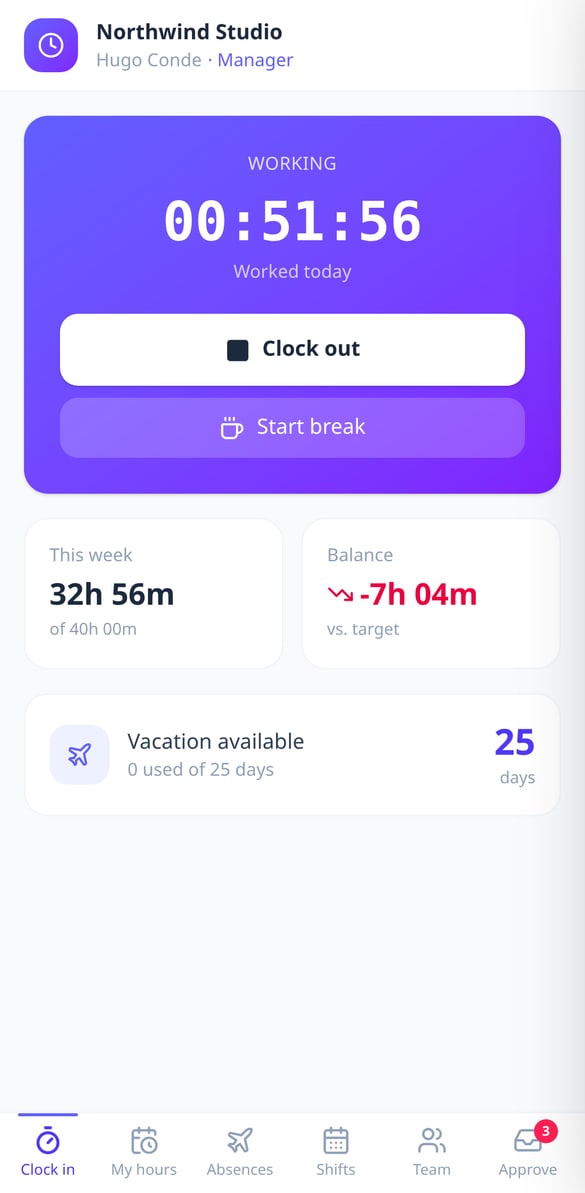
Clock in, clock out, and take as many breaks as needed from your phone or computer, with a live timer that deducts break time and keeps counting even if you close the app. If your company enables it, clocking in requests your location and the server checks that you are within the work area you defined, with the radius in meters that you choose.
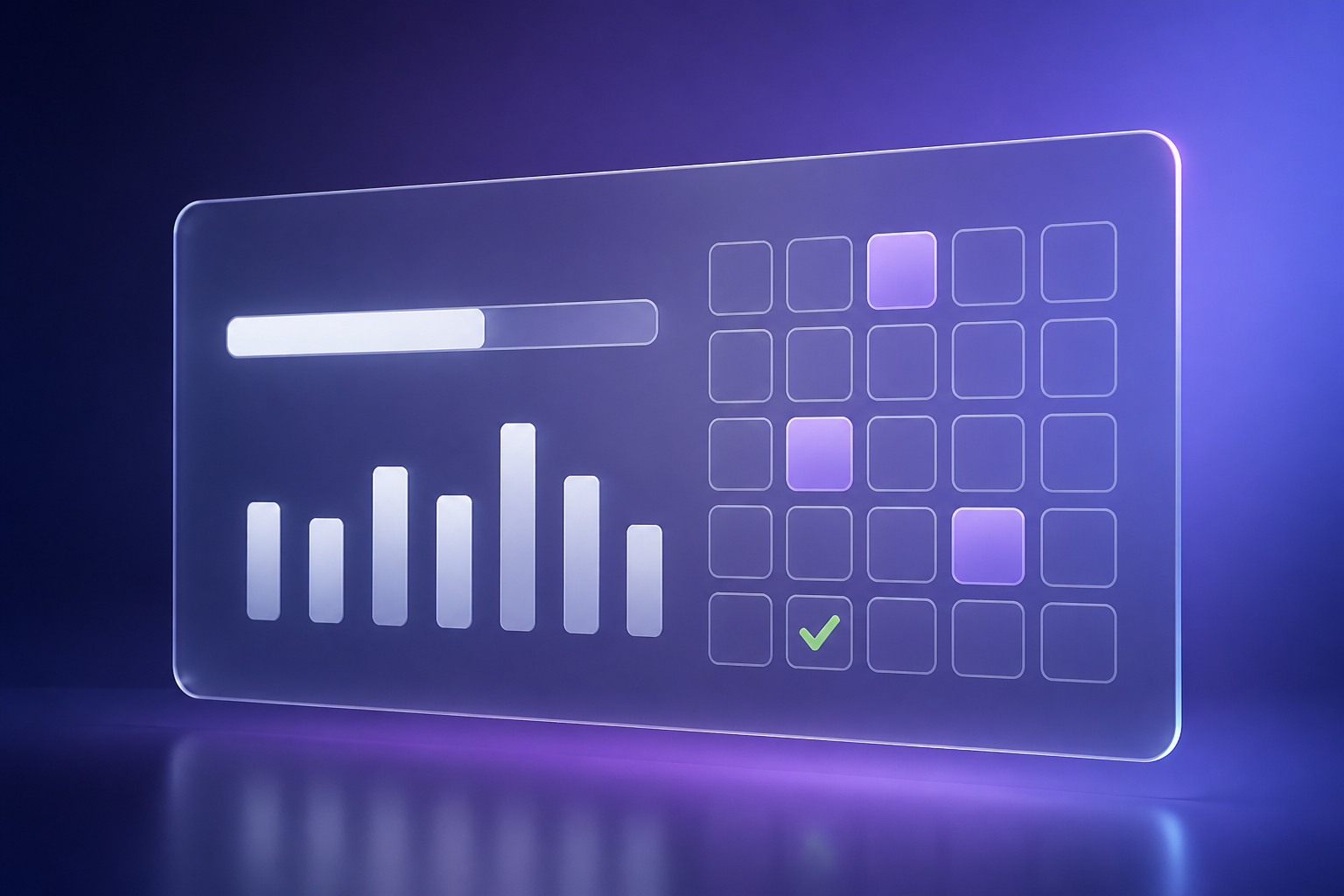
Your hours, your balance, and your vacation
Each employee browses their timesheet week by week and sees what they worked, the hours they were scheduled for, and the balance in their favor or against, with details of clock-ins, clock-outs, and breaks for each day. From the same app, they request vacation, sick leave, personal matters, or other absences, even half-days, check how many days they have left for the year, and cancel a request while it is still pending.
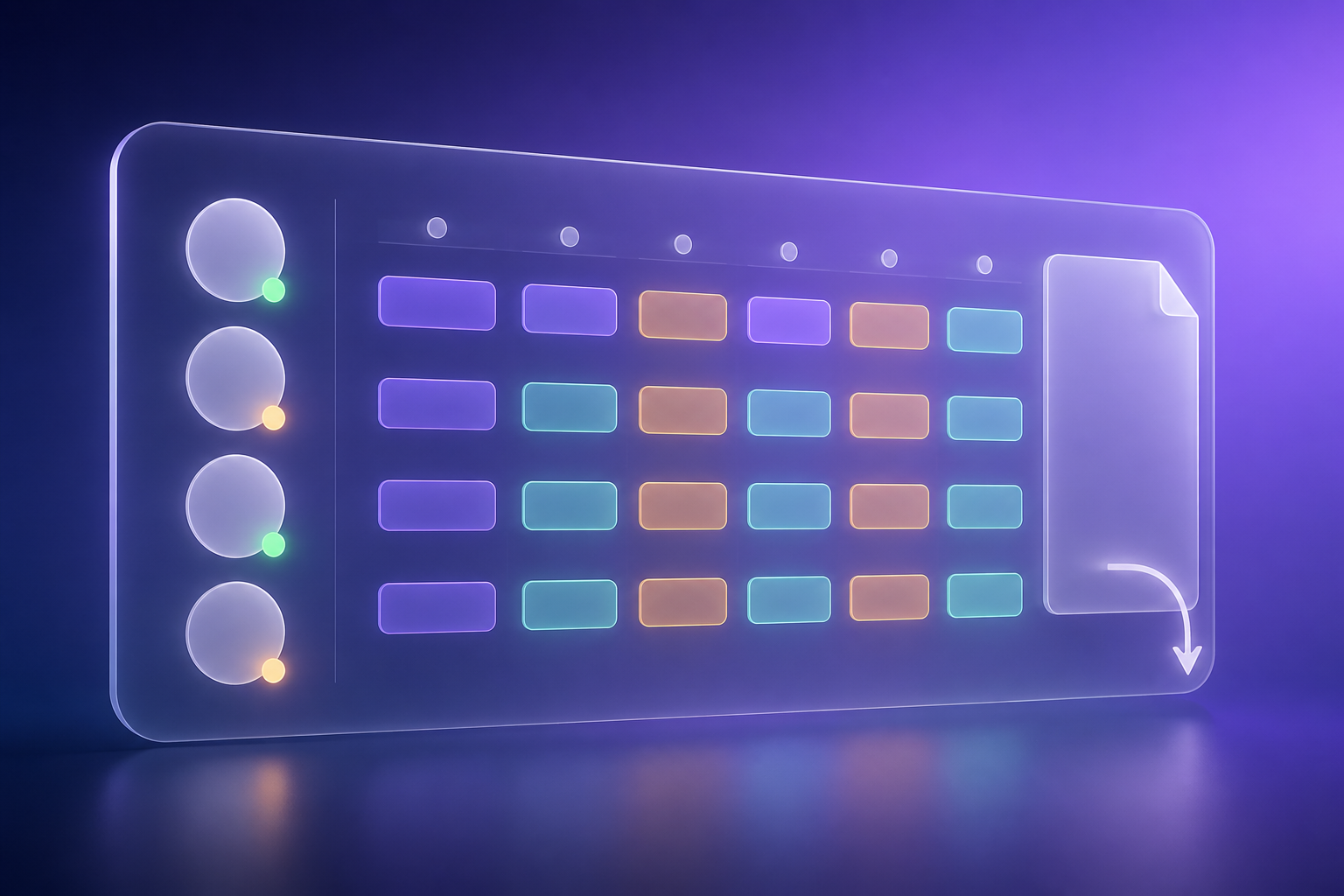
Live team, approvals, shifts, and reports
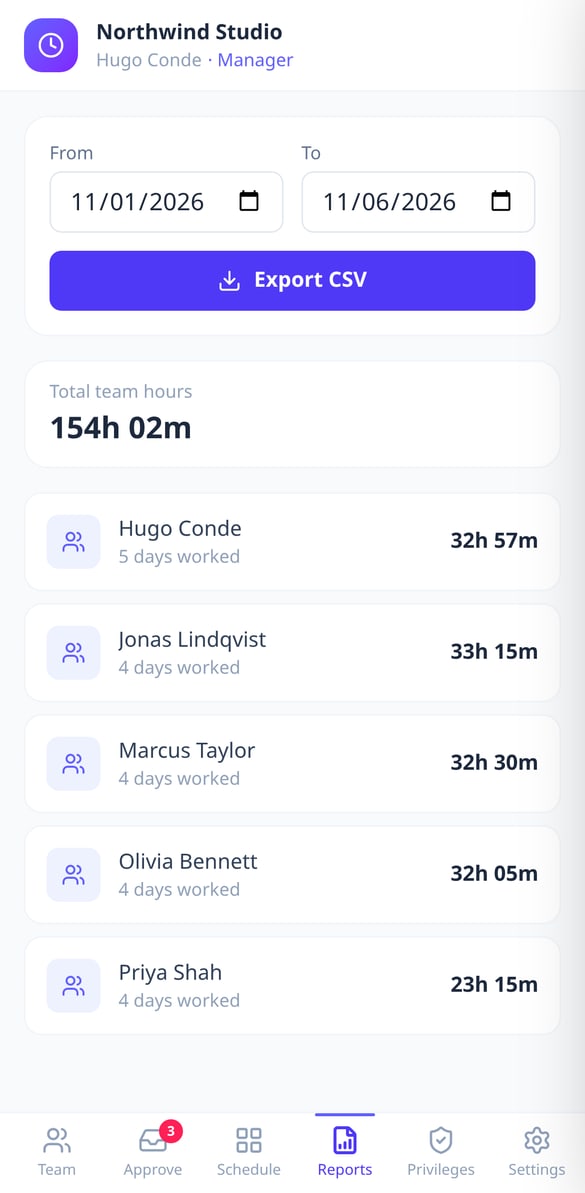
The manager sees at a glance who has clocked in, who is on a break, and since when, with each person's weekly hours and remaining vacation. They approve or reject absences with a note, plan the daily shift schedule with colors, add their people manually or by syncing from account users, and export the period's time tracking record as a CSV ready to open in Excel.
Get started in three steps
아이디어 설명하기
보고 싶은 것을 입력하거나 참조 사진을 업로드하세요. 아이의 연령대를 선택하세요.
AI가 그림 생성
몇 초 만에 인공지능이 알맞은 디테일 수준의 흑백 그림을 만들어 줘요.
인쇄하고 색칠하기
그림을 다운로드하거나 바로 인쇄하세요. 아이들이 즐겁게 색칠할 준비가 끝났어요.
Frequently Asked Questions
Latest blog articles
Guides and news to get more out of it
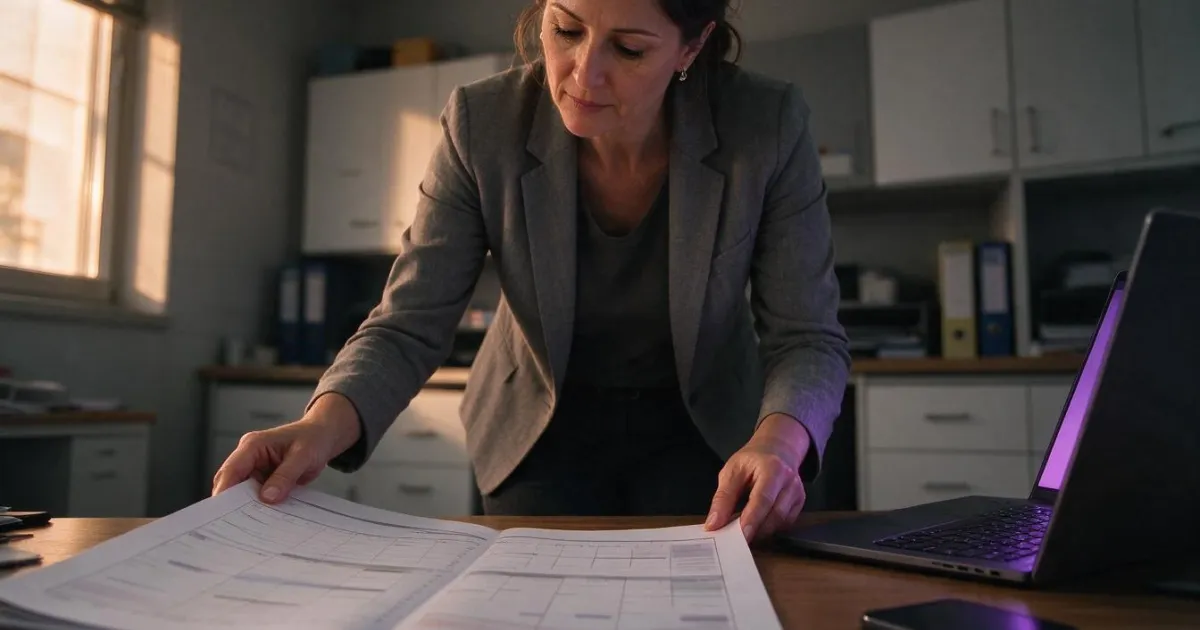
Shifts, overtime, and predictability: what you need to communicate in writing to your team from RD 723/2026
As of October 5th, you must inform in writing about schedules, shifts, overtime, and vacations. What to include, within what timeframe, and how to prove that you delivered it.

Mandatory Work Hours Registration: How to Comply Without Excel (Practical Guide 2026)
What is required for time registration in Spain, how long to keep it, what fines exist, and how to set it up in an afternoon with TimeTrack: mobile check-in and CSV export.